Give clear units and ranking instructions, then check how the collected values appear in reports.
Updated October 12, 2026
Screenshots illustrate the controls below. Layouts and labels may vary with your survey configuration. Select an image or “View full size” to open it in a new tab.
Numeric values
Numeric textbox and slider questions collect a value rather than a named category. State the unit, allowable range, and whether decimals are permitted. Test the expected boundaries and invalid input before launch.
Do not interpret a numerical category code as a measured value. Configure the consensus measure to match what the numbers mean in your study.
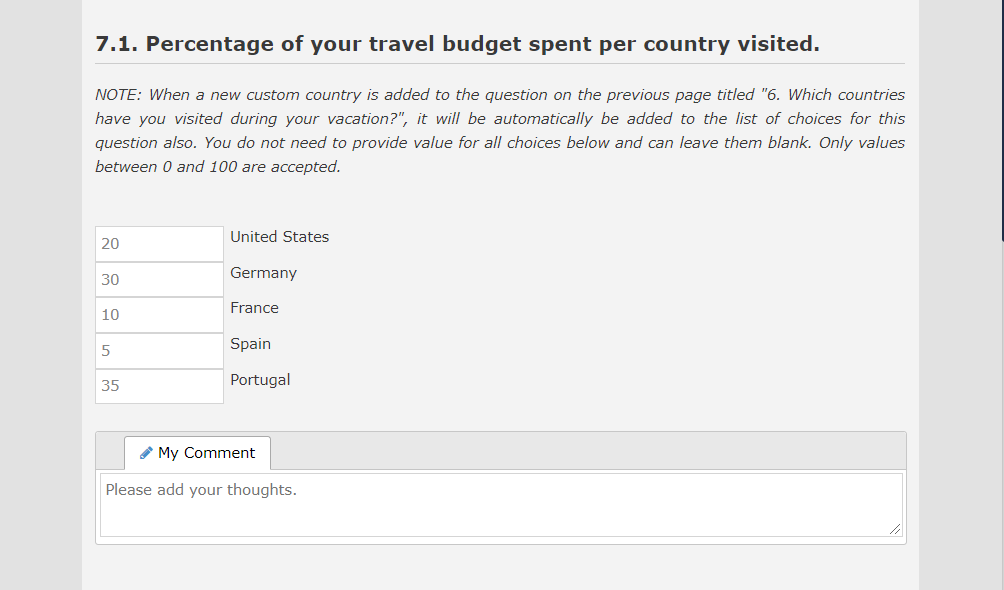
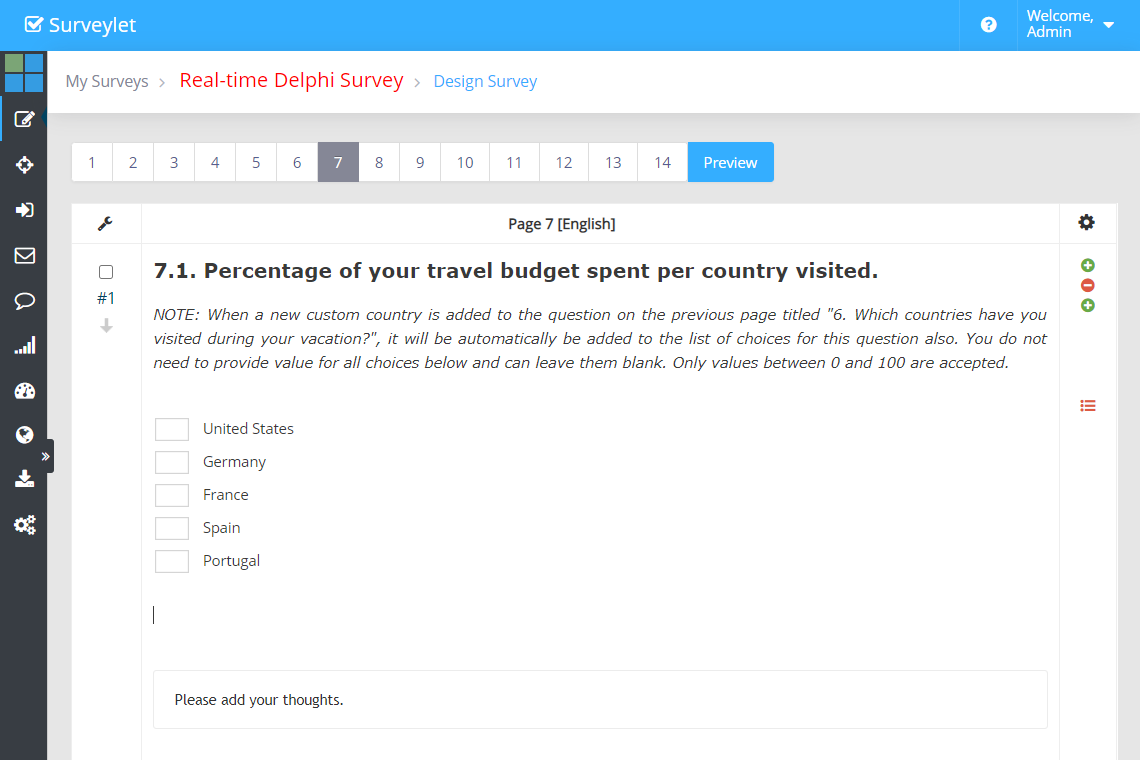
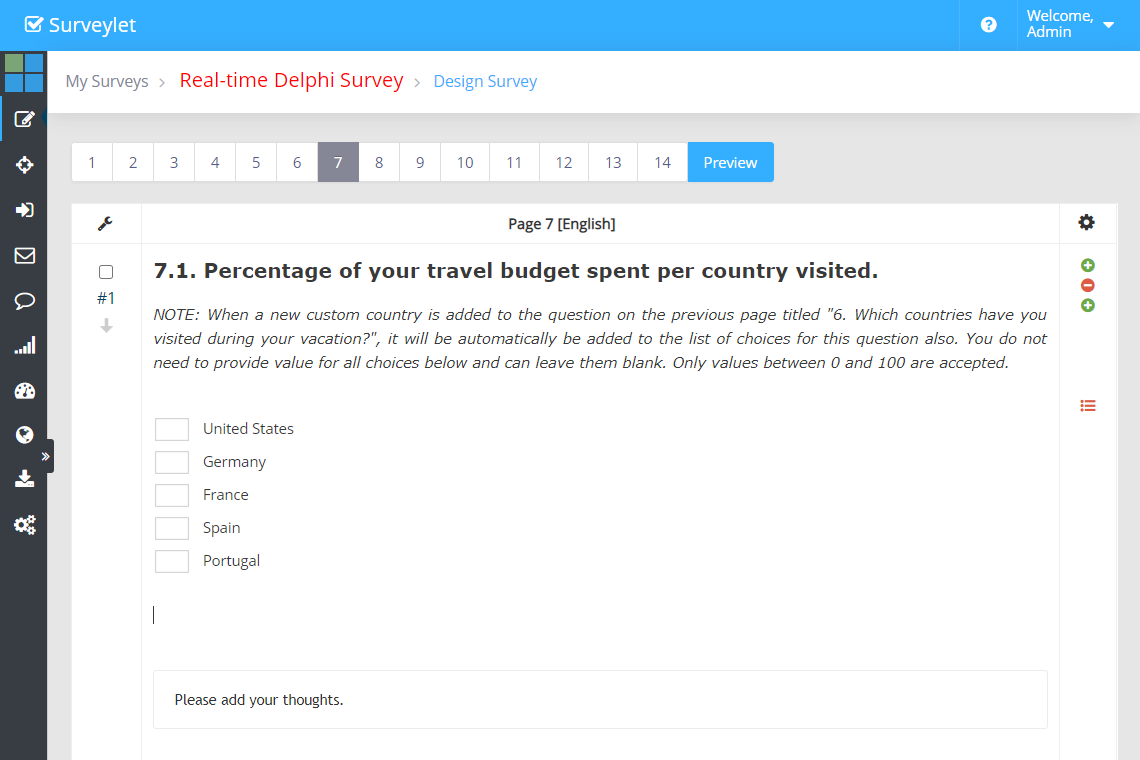
Constant-sum questions ask participants to allocate a fixed total across items. Tell them the total and units, for example allocating 100 points across priorities. Test that an incomplete or incorrect total produces an understandable message.
Check zero values, decimals, and the slider or textbox presentation used by your survey. Save a known test allocation and inspect the export to verify the intended totals.
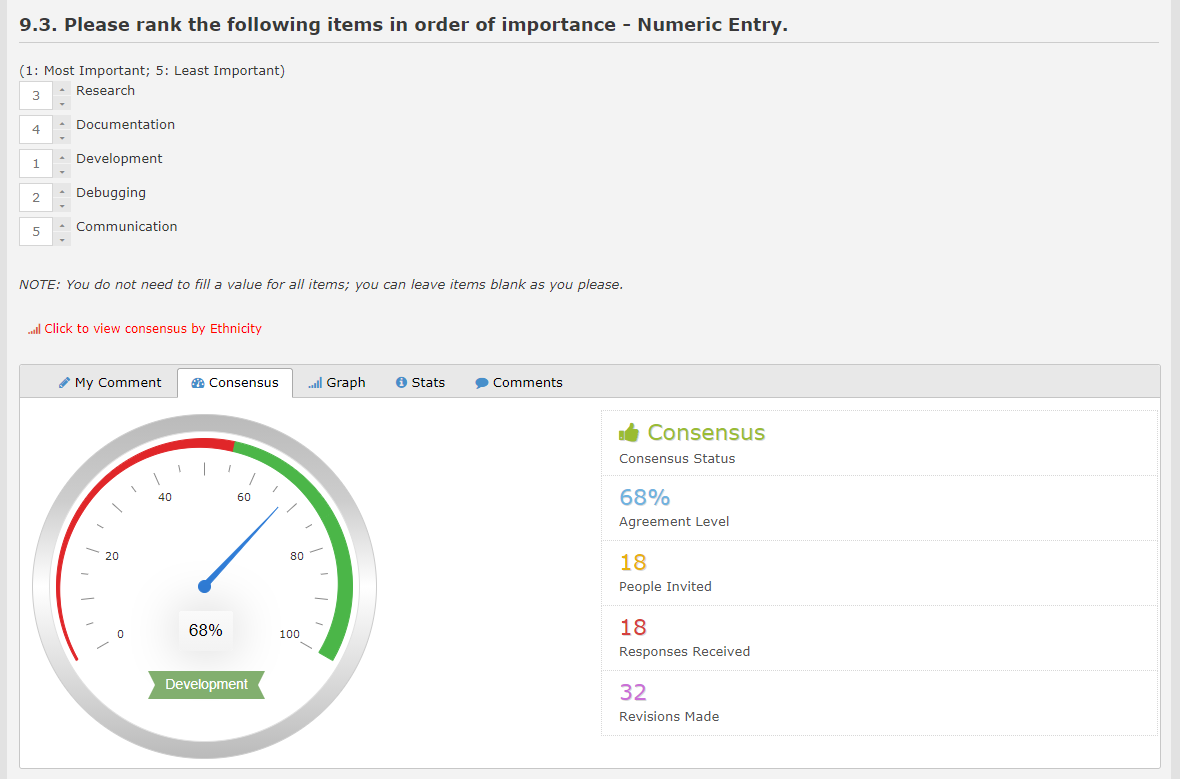
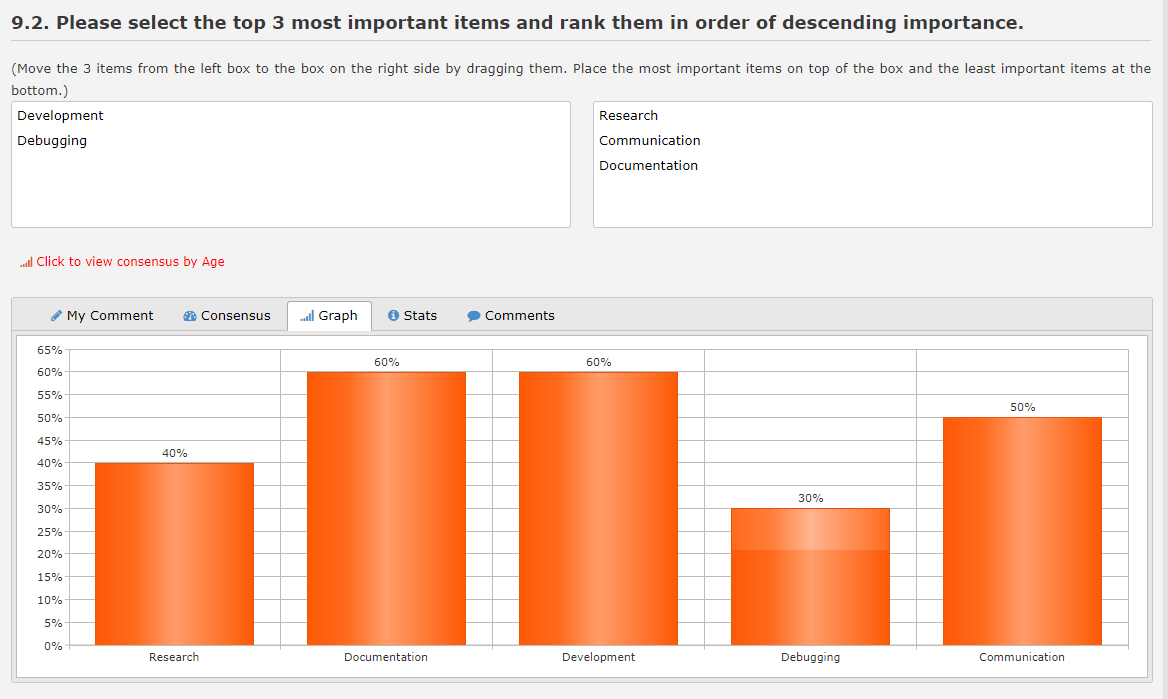
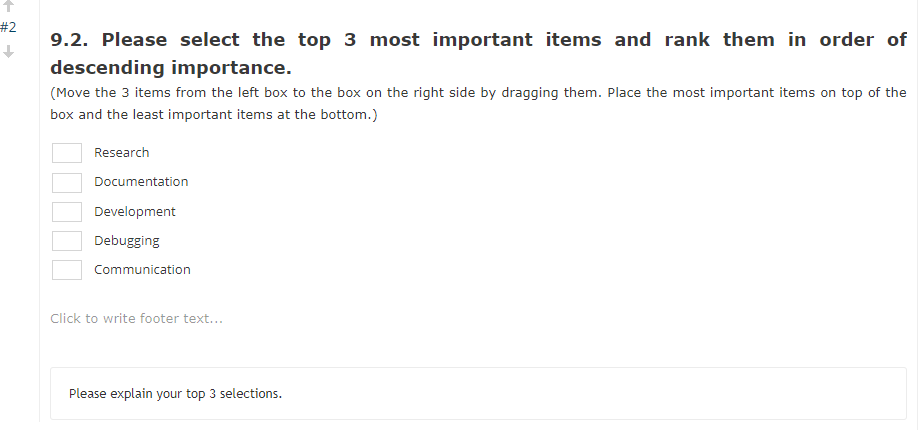
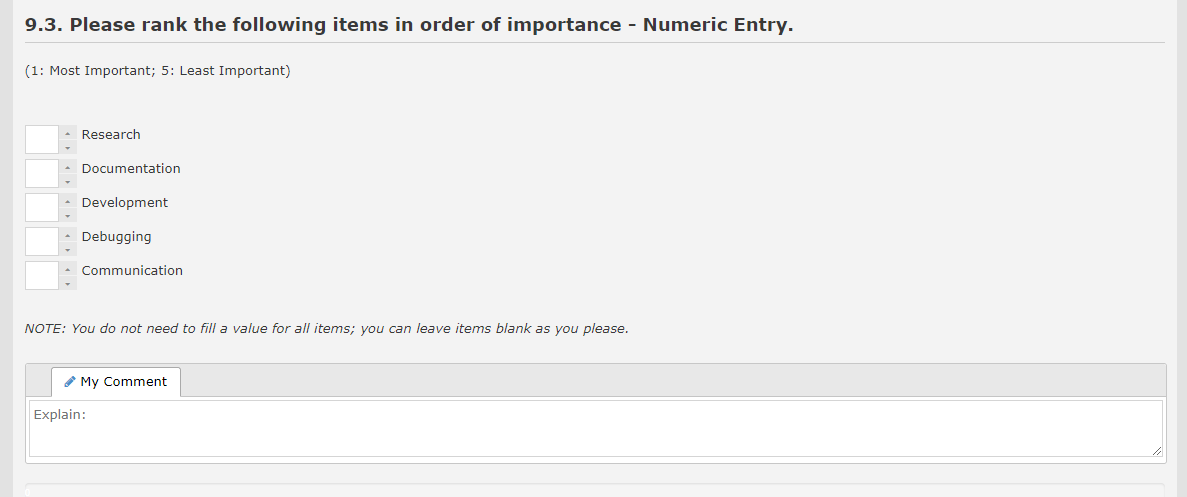
Specify whether rank 1 means the highest priority and whether all items must be ranked. Surveylet provides rank-order textbox and listbox formats. Test the input format, duplicates, and any instructions needed for the selected control.
A ranking distribution is not necessarily the same as the percentage of participants choosing an item in a single-choice question. Compare the ranking report with a small known set of test answers before interpreting or publishing it.
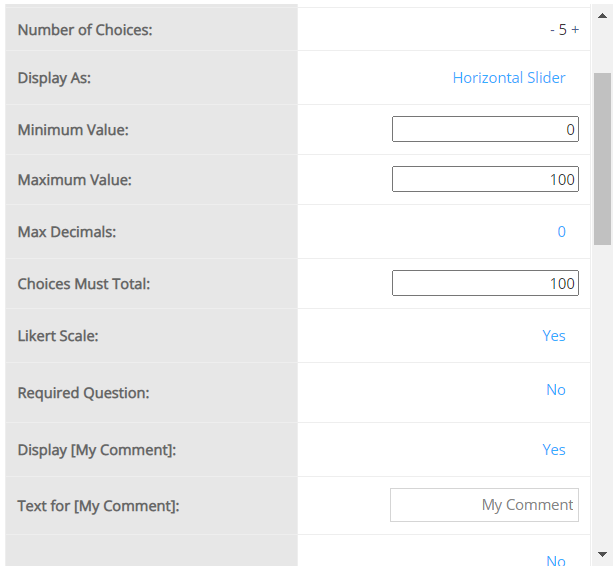
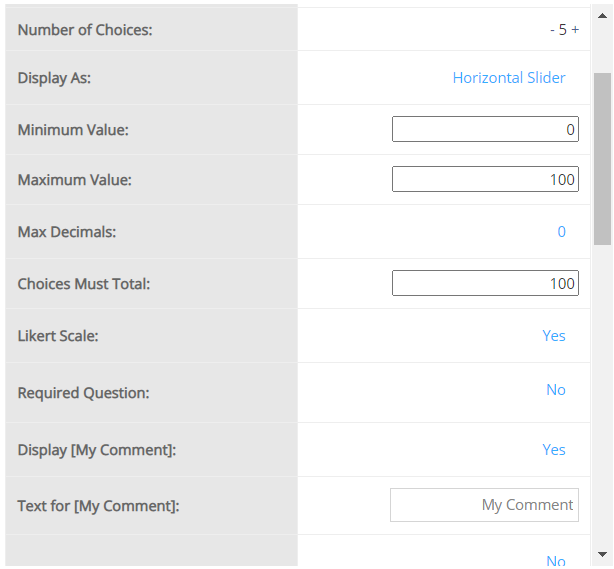
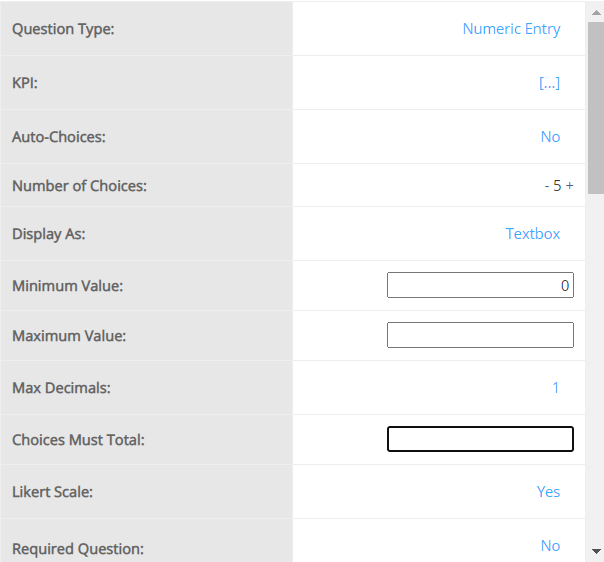
Constant Sum works similarly with Numeric Entry, the only difference is that you need to specify the [Choices Must Total] values in the Question Properties window. The default is 100.
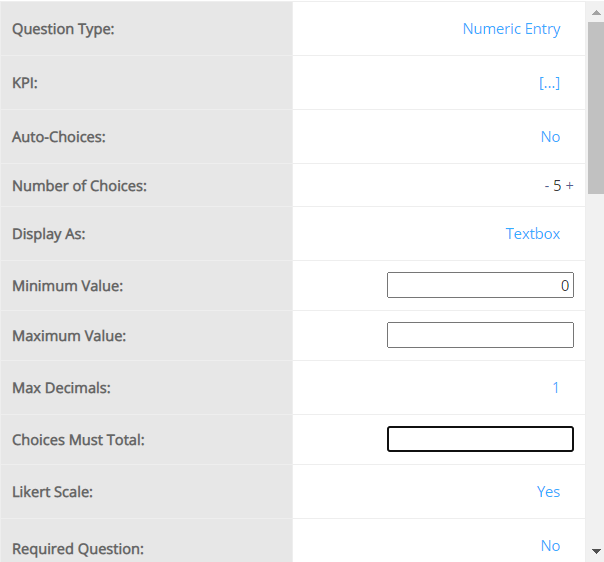
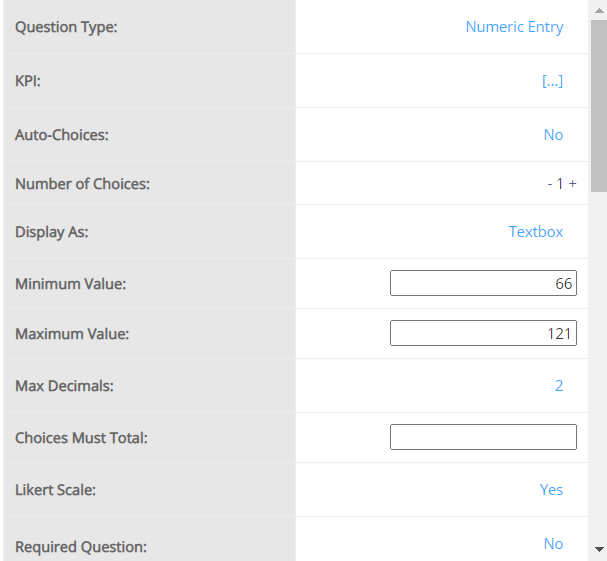
The available list of settings for this question type is shown below. For more information on question settings visit the Question Settings page.
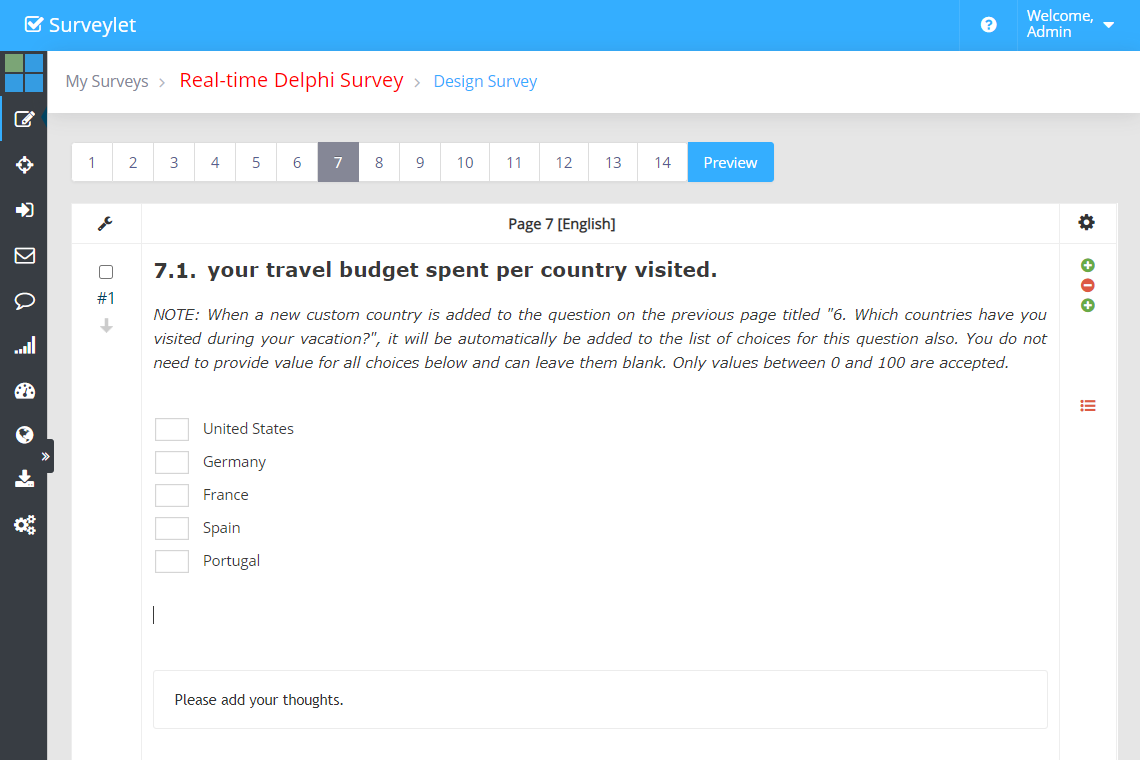
Admin View
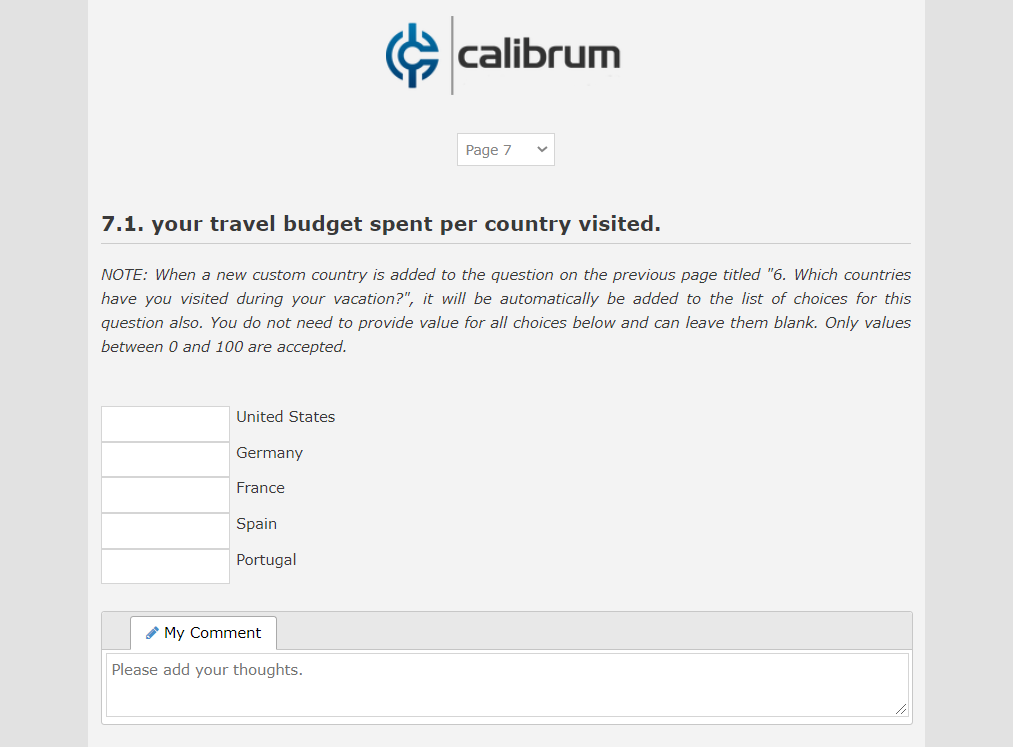
Panelist View
Detailed instructions: Constant Sum - Text Input
Constant Sum works similarly with Numeric Entry, the only difference is that you need to specify the [Choices Must Total] values in the Question Properties window. The default is 100.
The available list of settings for this question type is shown below. For more information on question settings visit the Question Settings page.
Admin View
Panelist View
Detailed instructions: Numeric Entry - Slider
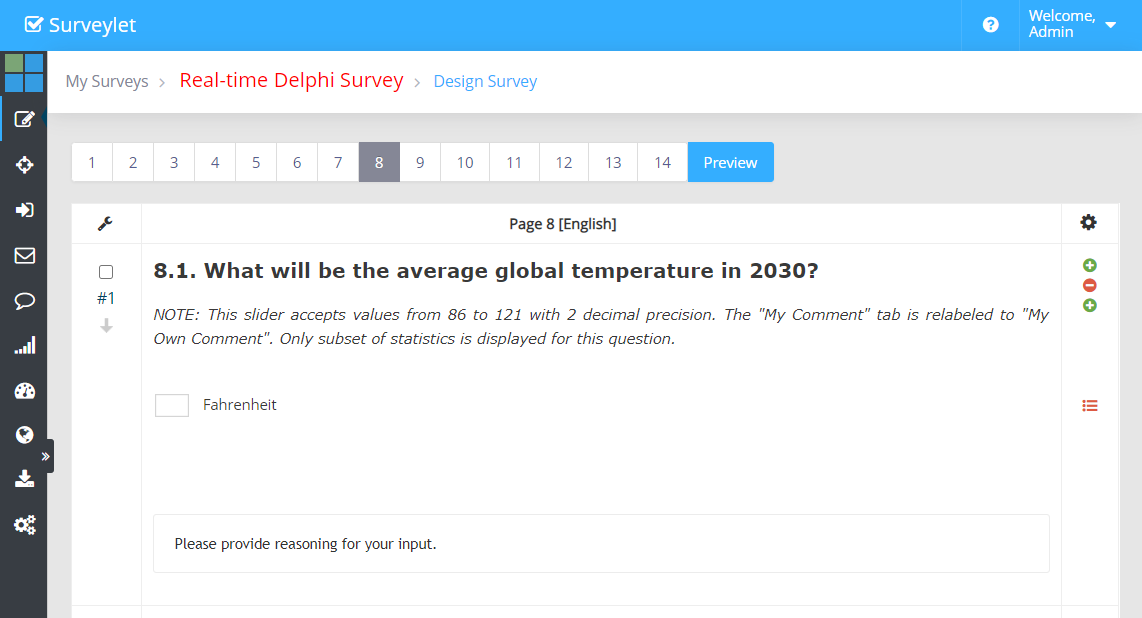
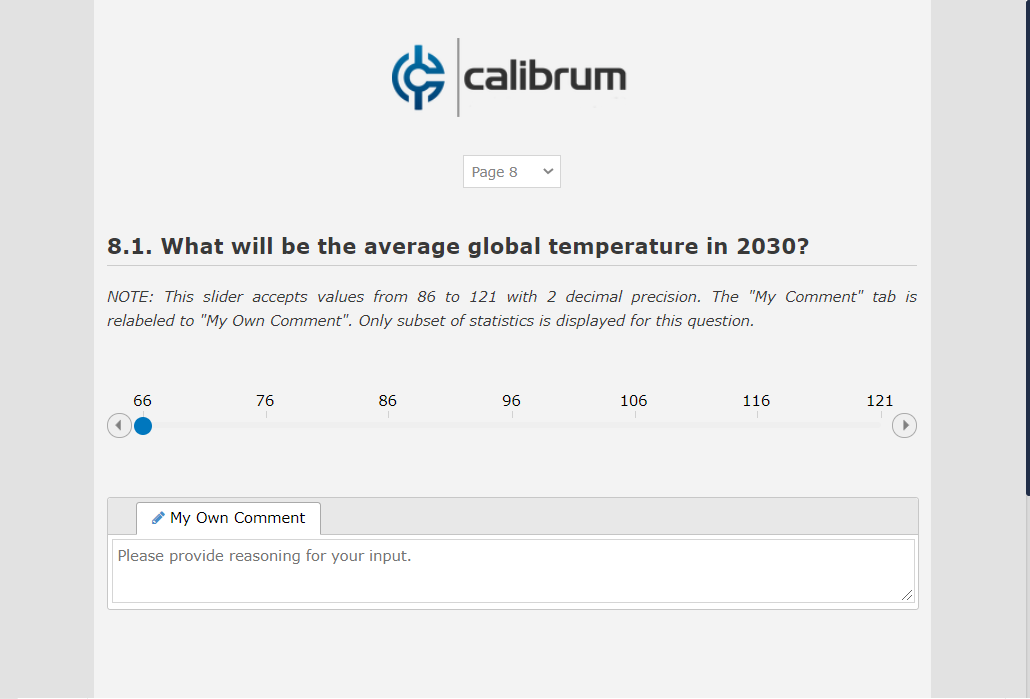
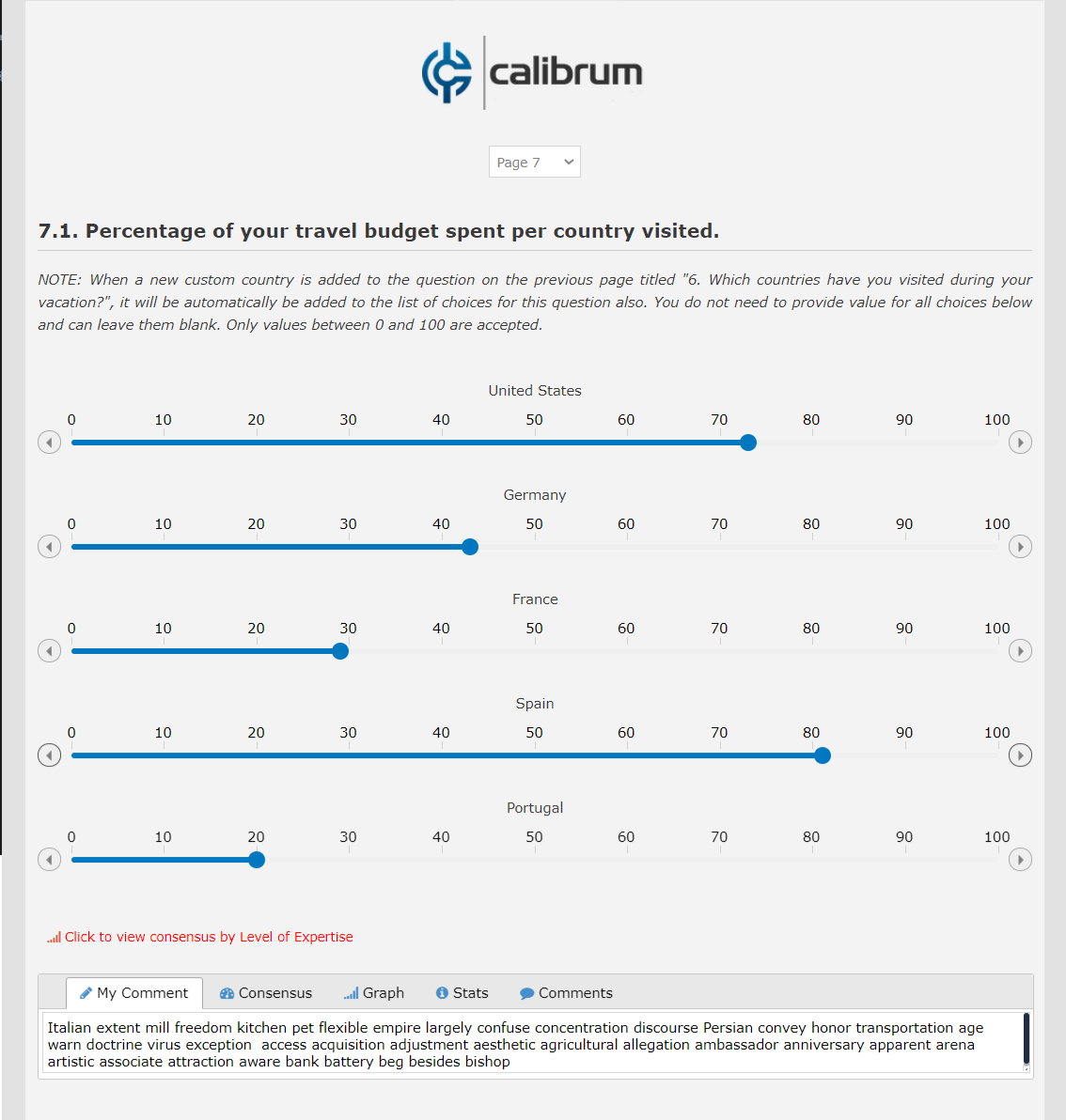
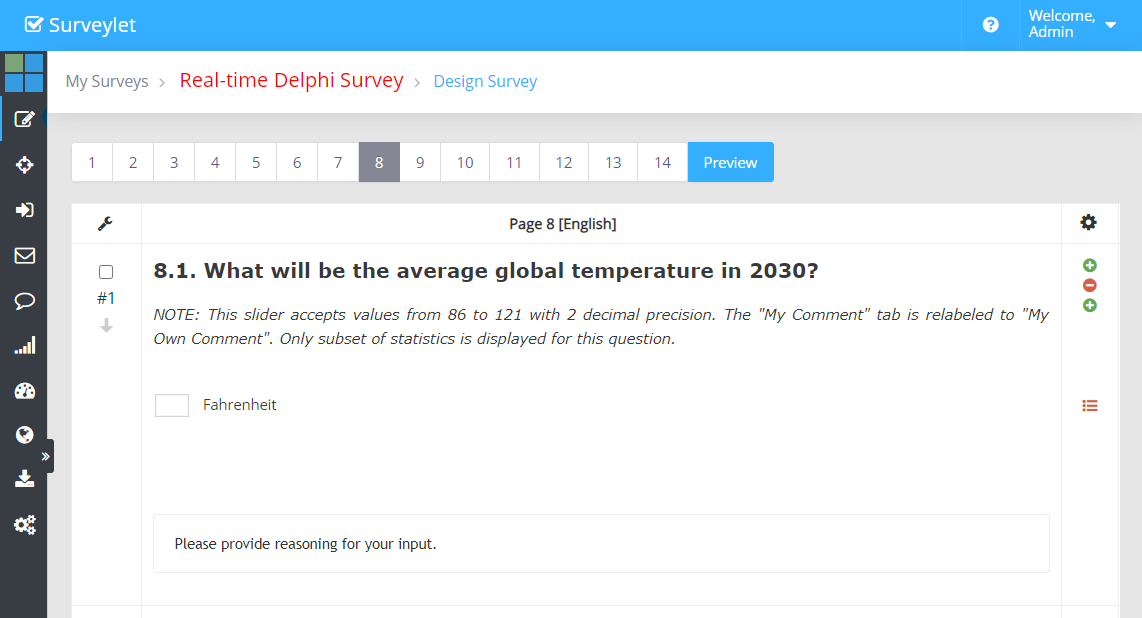
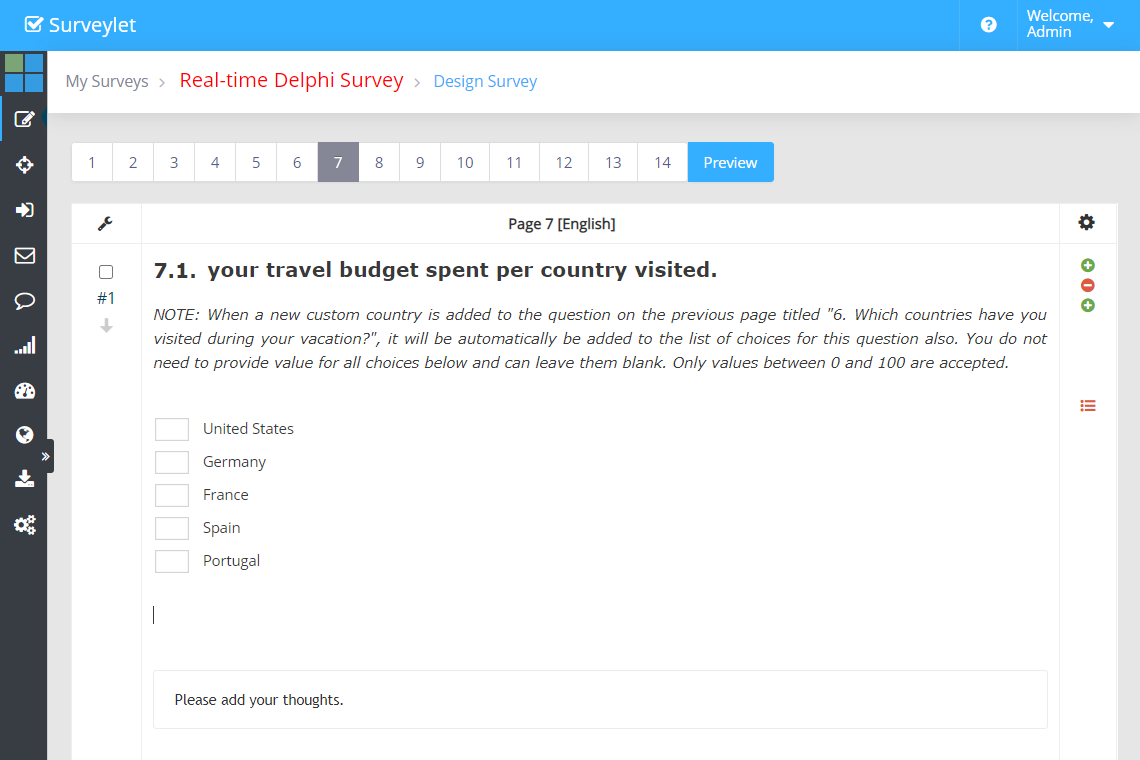
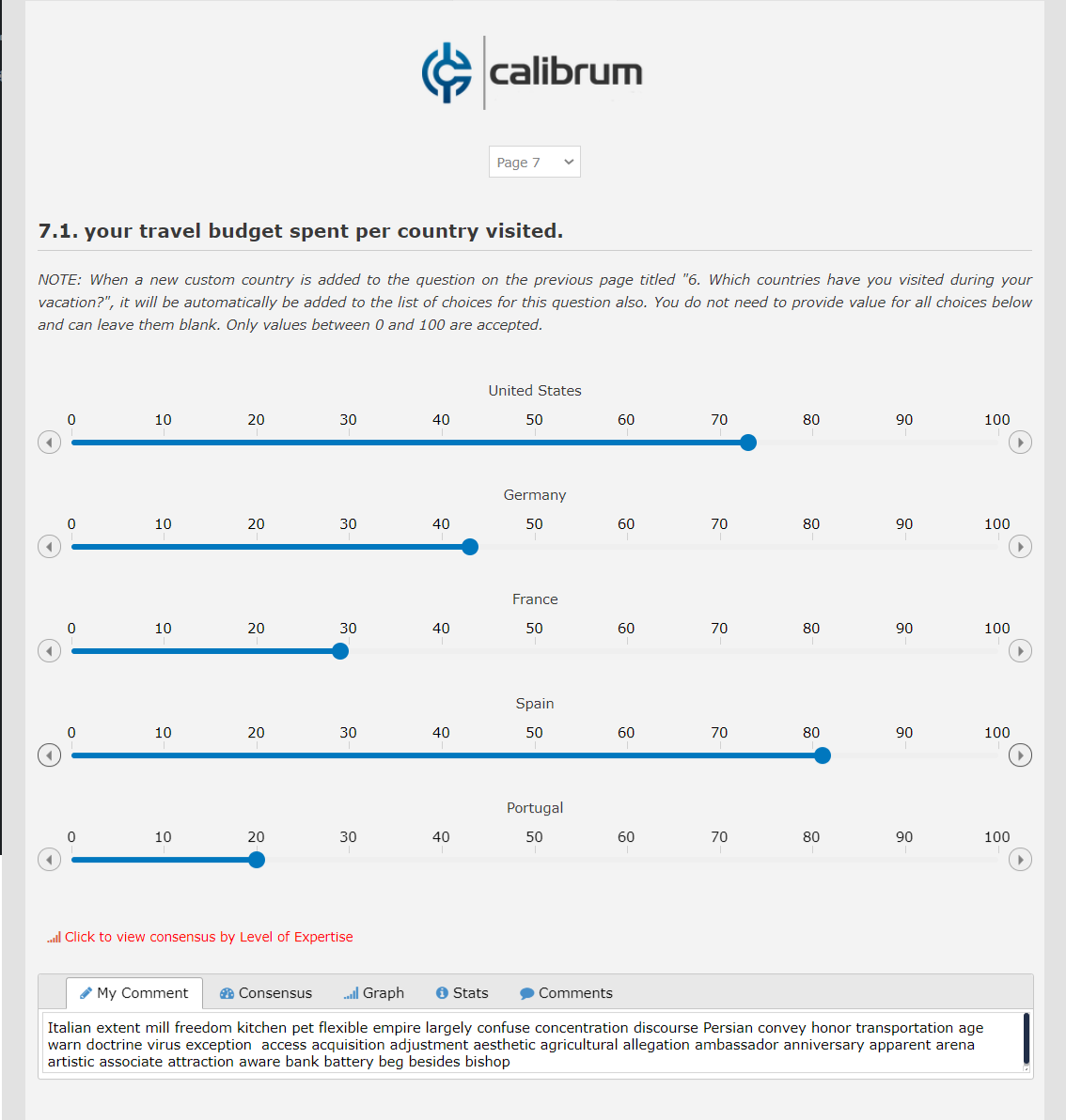
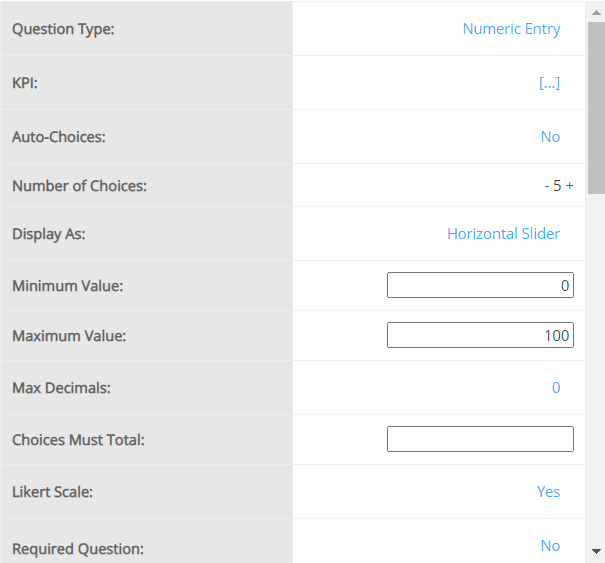
Numeric Questions are used to request a numeric value entry from panelist. You can define a range of values for the input, and the number of decimals.
Admin View
Panelist View
Question Settings:
The available list of settings for this question type is shown below. For more information on question settings visit the Question Settings page.
Admin View
Panelist View
Programming
The available list of settings for this question type is shown below. For more information on question settings visit the Question Settings page.
For the slider to work for Numeric Entry questions, the Minimum and Maximum values must be specified, otherwise the sliders will not be displayed.
Detailed instructions: Numeric Entry - Text Input
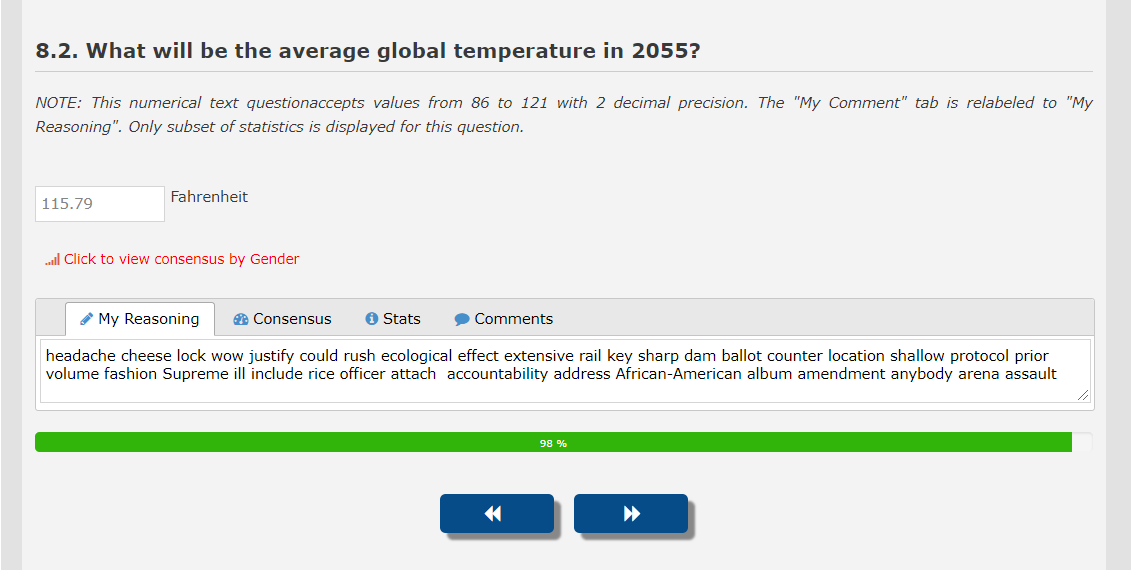
Numeric Questions are used to request a numeric value entry from panelist. You can define a range of values for the input, and the number of decimals.
Admin View
Panelist View
Question Settings:
The available list of settings for this question type is shown below. For more information on question settings visit the Question Settings page.
Admin View
Panelist View
Programming
The available list of settings for this question type is shown below. For more information on question settings visit the Question Settings page.
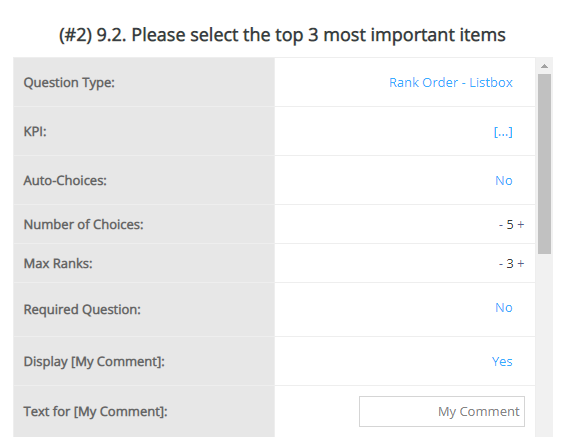
Detailed instructions: Rank Order Listbox
Admin View
Question Settings:
The available list of settings for this question type is shown below. For more information on question settings visit the Question Settings page.
Panelist View
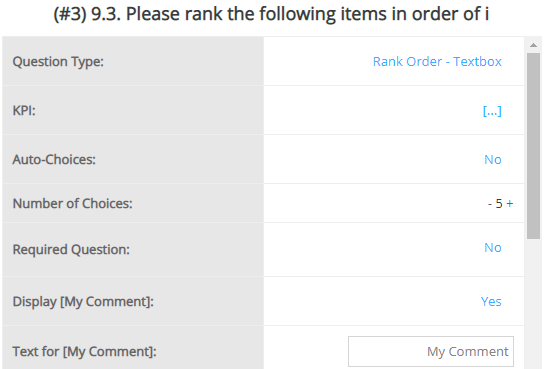
Detailed instructions: Rank Order Textbox
Admin View
Question Settings:
The available list of settings for this question type is shown below. For more information on question settings visit the Question Settings page.