
For participants · Participant
Participant quick start
Open your personal invitation, save your answers, and return to the study when the team asks you to.
Screenshots illustrate the controls below. Layouts and labels may vary with your survey configuration. Select an image or “View full size” to open it in a new tab.
Open your invitation
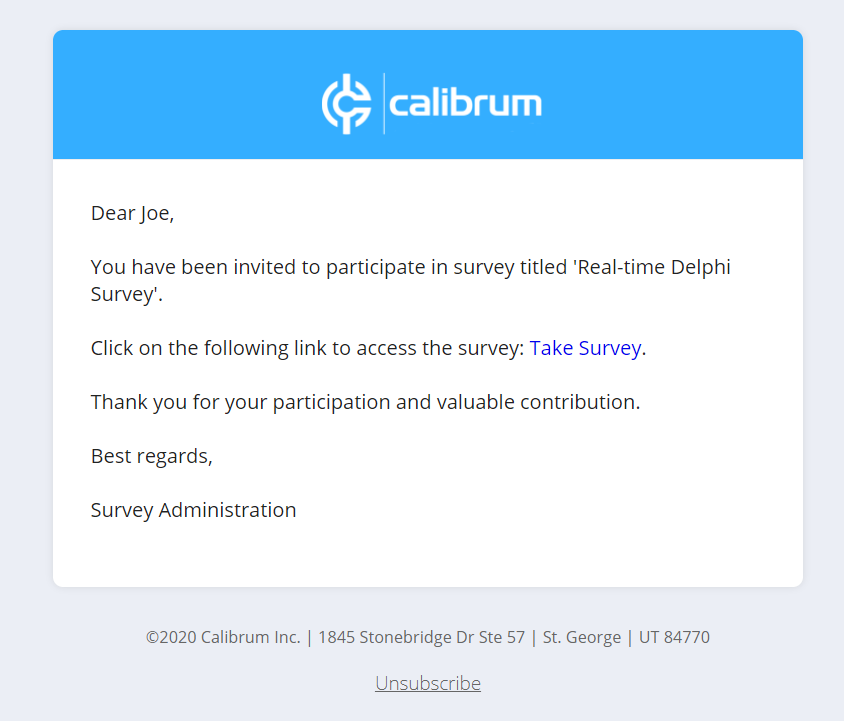
Use the survey link sent by your study team. Your personal link opens your own questionnaire. Keep it private and do not forward it to someone else.
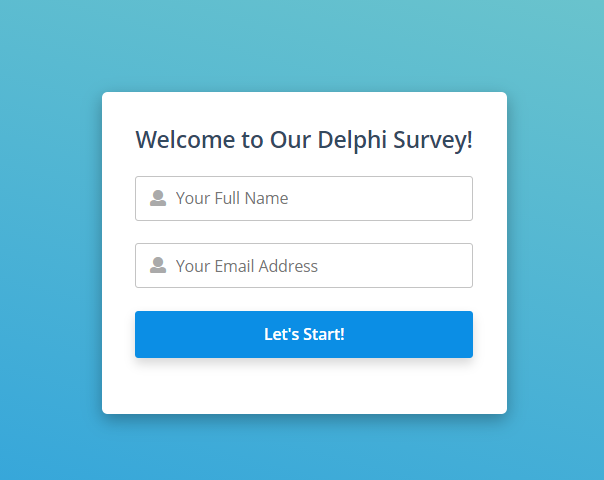
You do not normally need the Surveylet administrator login page. If the study uses registration, follow the instructions on that page and check your email for a personal invitation if prompted.
More screenshots and examples (1)
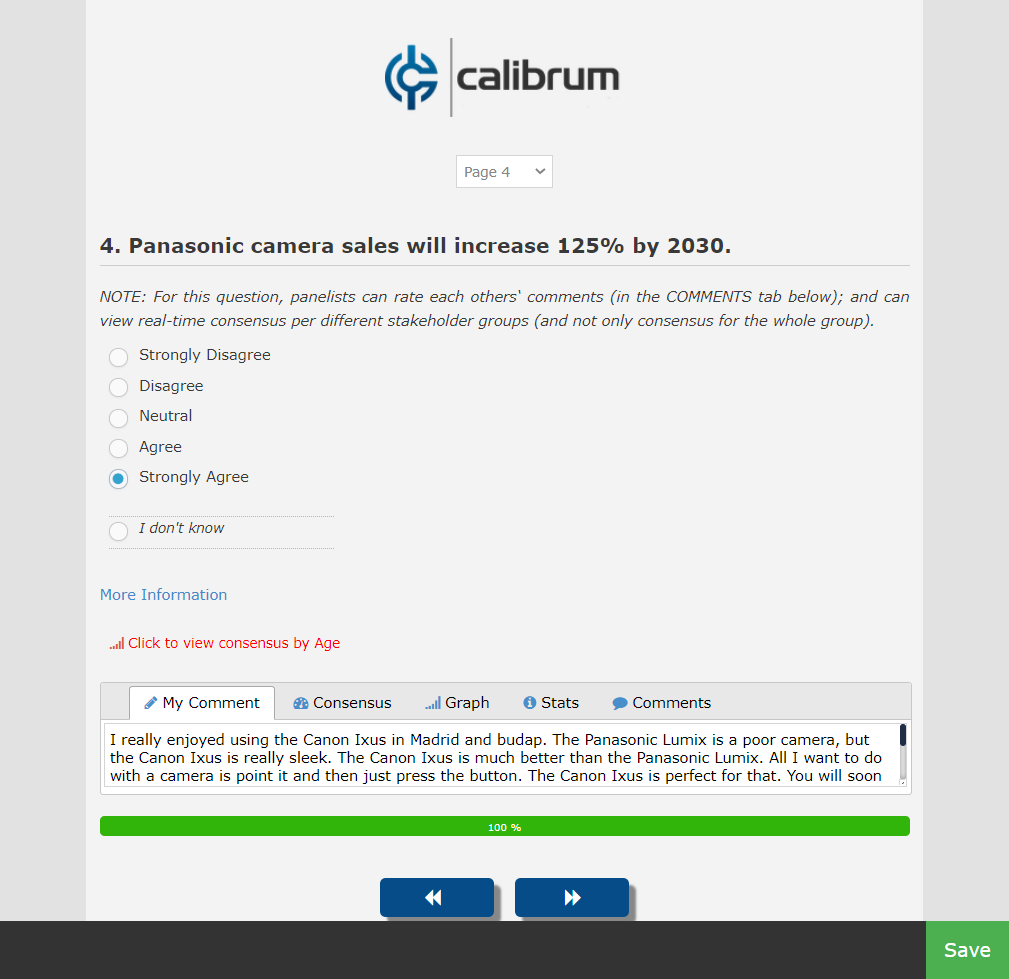
Answer, save, and continue
- Read the study instructions and consent information.
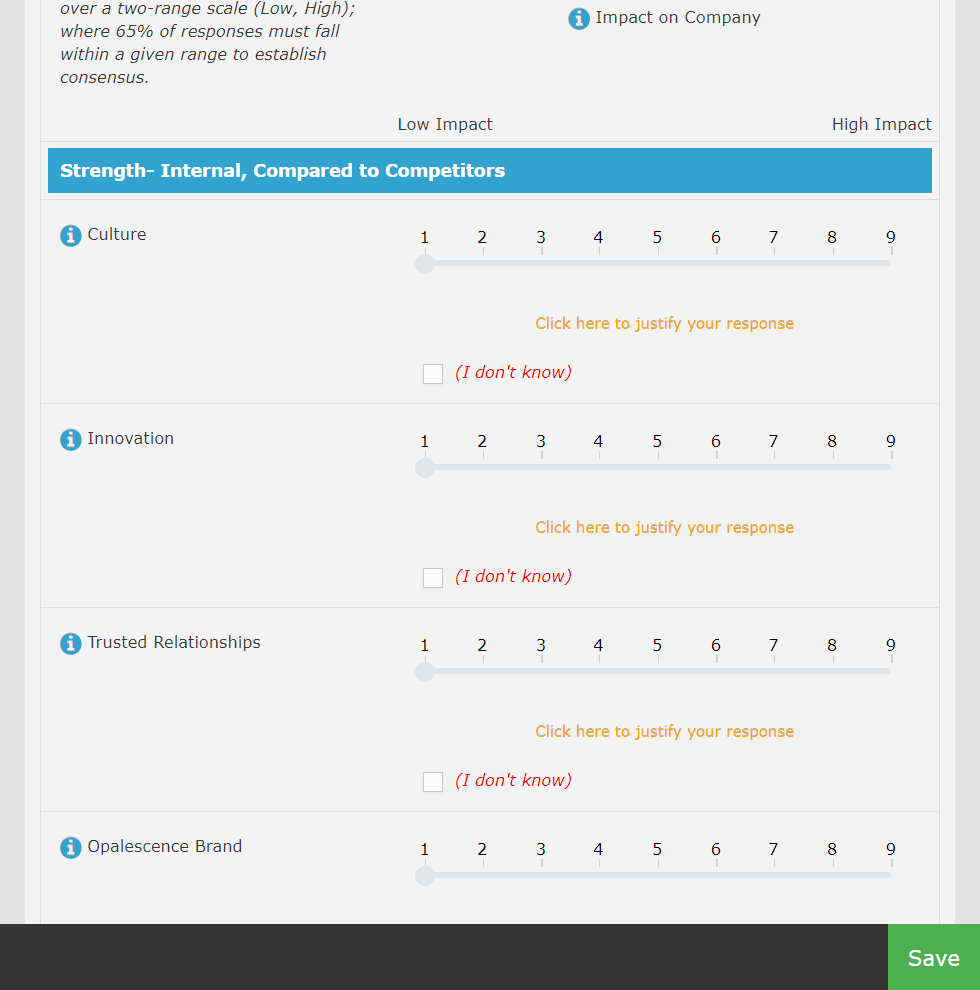
- Answer the questions using the scale or input requested.
- Click Save to record the page and stay there, or Next to save and continue.
- If available, review the group feedback after saving. You can keep your answer or revise it based on your own judgment.
- Before going back, jumping to another page, or leaving, save your current changes.
- Use To Do, where shown, to check unanswered questions. Follow the study team’s closing instructions.
Selecting an answer alone is not a reliable way to know it was saved. Use Save or Next unless the study’s instructions explicitly describe automatic saving.
More screenshots and examples (1)
Return later
With a reusable personal invitation, you can save, leave, and return using the same link while the study remains open. You can switch devices after saving. The link takes you to the current study round; earlier rounds are not available to participants.
If you received a shared anonymous link, return access may depend on the study’s setup and your browser session. Ask the study team how to return rather than assuming it works like a personal invitation.
Contact the study team
Use the survey’s Chat option if enabled, or the contact details in your invitation. Your study team can explain the questions, deadlines, eligibility, and access. Do not send your private link or sensitive answers in a public support message.
Detailed instructions: Fill out Survey as Panelist
Common questions
Do I need to pay or purchase a license to participate?
Your study team manages the survey account. Follow its invitation; you do not need an administrator license simply to answer the questionnaire.
Is there a final Submit button?
Surveylet saves page answers through Save or Next. Many studies do not have a separate final Submit button. Follow the study instructions and check that your last page was saved.