
Run the study · Administrator
Control when participants see feedback
Combine the consensus method, saved answers, display permissions, and minimum-answer threshold.
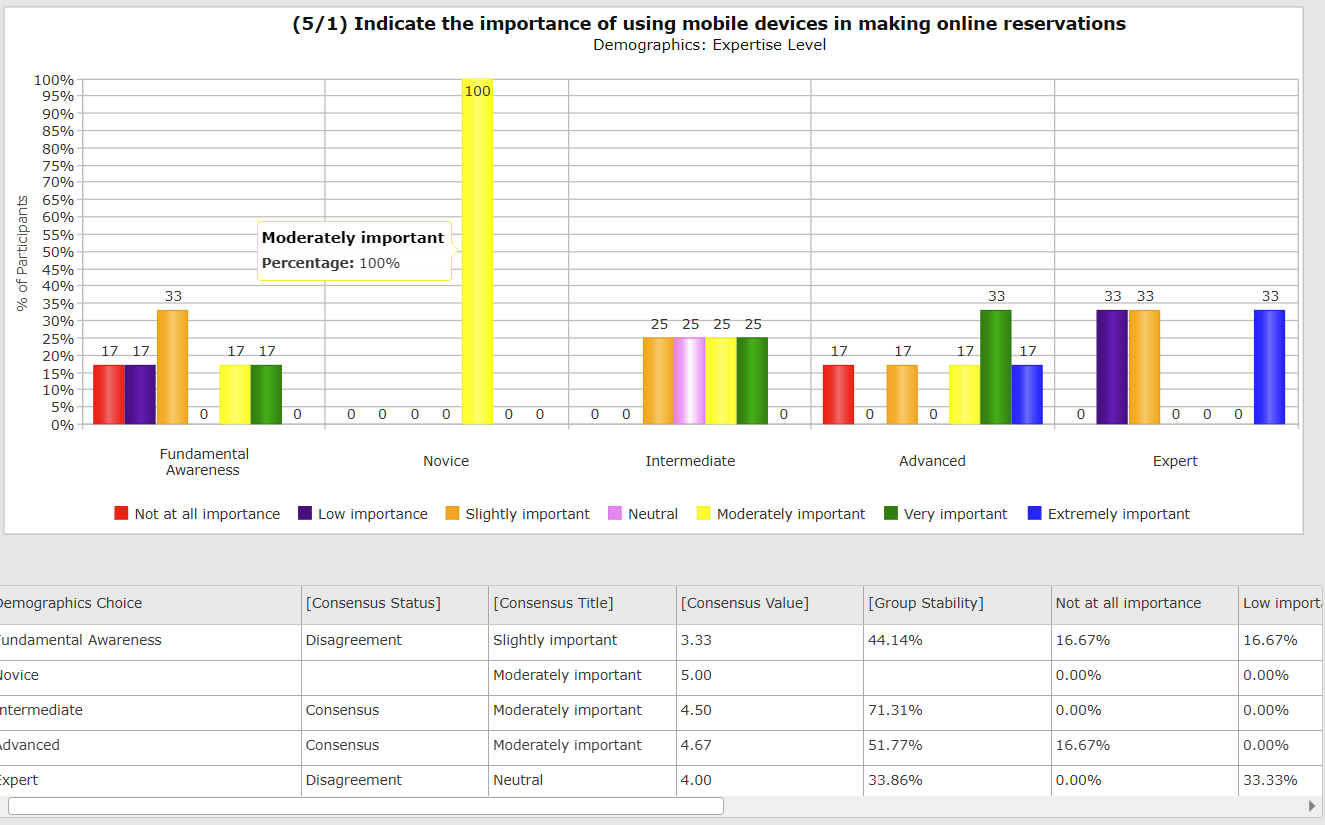
Screenshots illustrate the controls below. Layouts and labels may vary with your survey configuration. Select an image or “View full size” to open it in a new tab.
The four checks
- Feedback dataset: Real-Time Delphi uses the current round; Multi-round Delphi uses the previous round.
- Participant answer: feedback is normally available after the person answers and saves the question.
- Minimum Responses to Display Analytics: the question must have the configured number of answers.
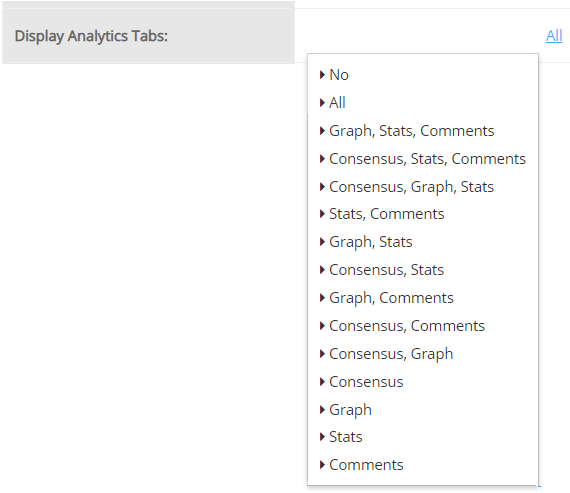
- Display settings: the relevant analytics tabs, statistics, comments, and optional subgroup report must be enabled.
These checks serve different purposes. Creating a round is not a substitute for setting a minimum number of panelists per question.
Configure the question or matrix column
In Question Settings, review Display Analytics Tab and Minimum Responses to Display Analytics. In Survey Settings → Statistics, check whether each measure is enabled for Admin + User. Review the question’s Statistics to Display list as well.
Survey-level options can allow analytics before an answer, filter comments by language, hide response counts, and control change alerts. If your protocol requires an independent first rating, keep feedback hidden until the rating is saved.
Explain feedback to participants
Tell participants to answer and click Save if they want to inspect feedback without moving on. They may still see no feedback if too few panelists have answered, the first Multi-round round has no earlier dataset, or their study does not display those tabs.
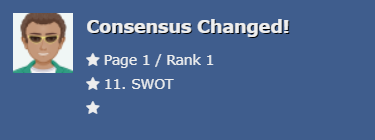
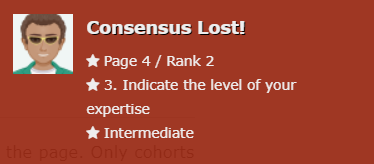
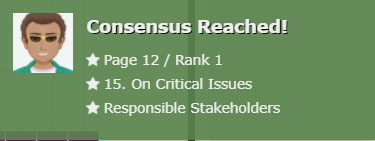
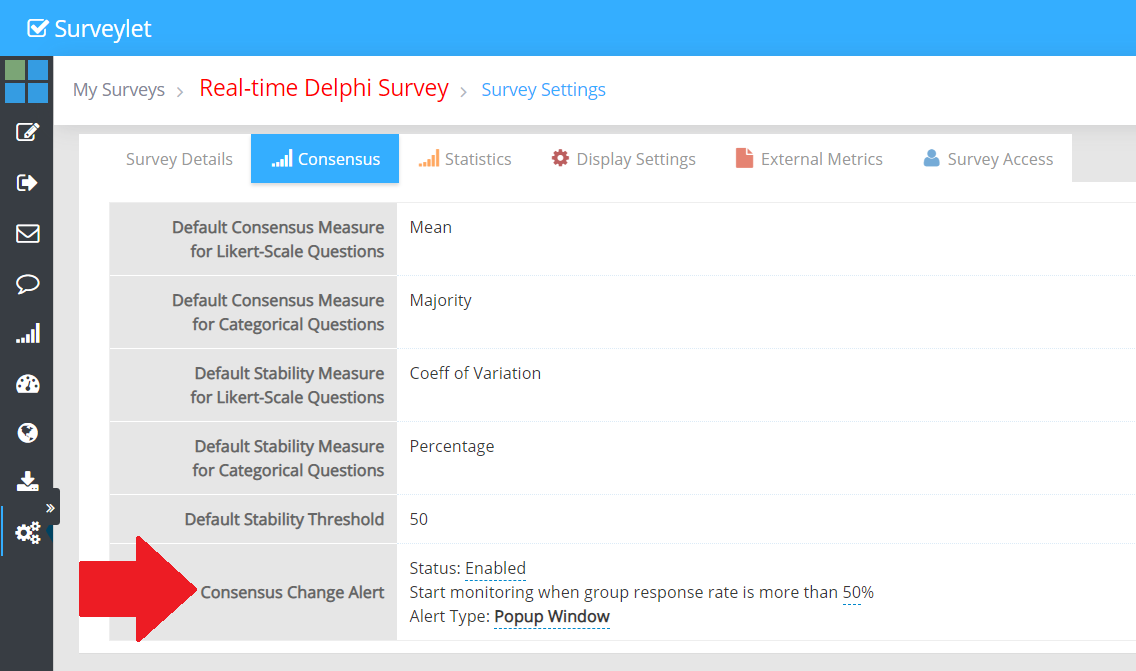
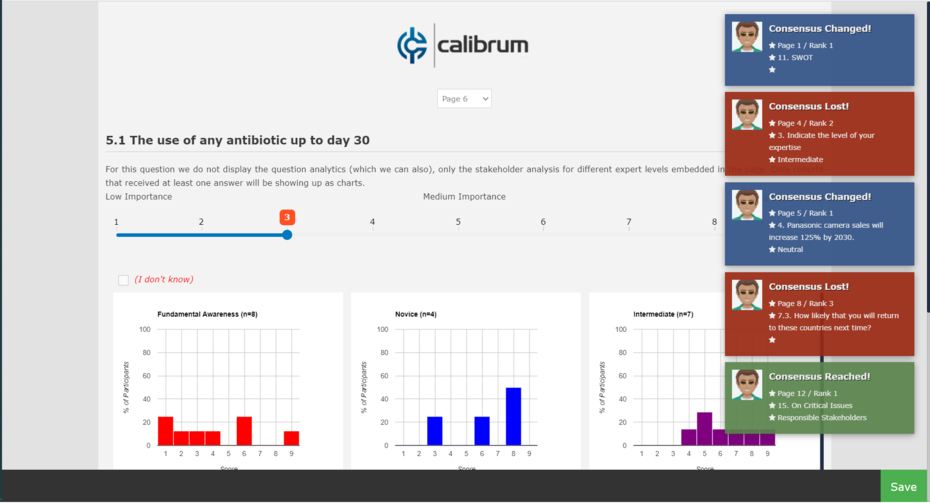
Consensus Change Alert can notify people of changes on other pages in Real-Time Delphi. Test it for your study length; frequent alerts can interrupt participation. A changing chart is a reason to consider the evidence, not an instruction to conform.
More screenshots and examples (2)
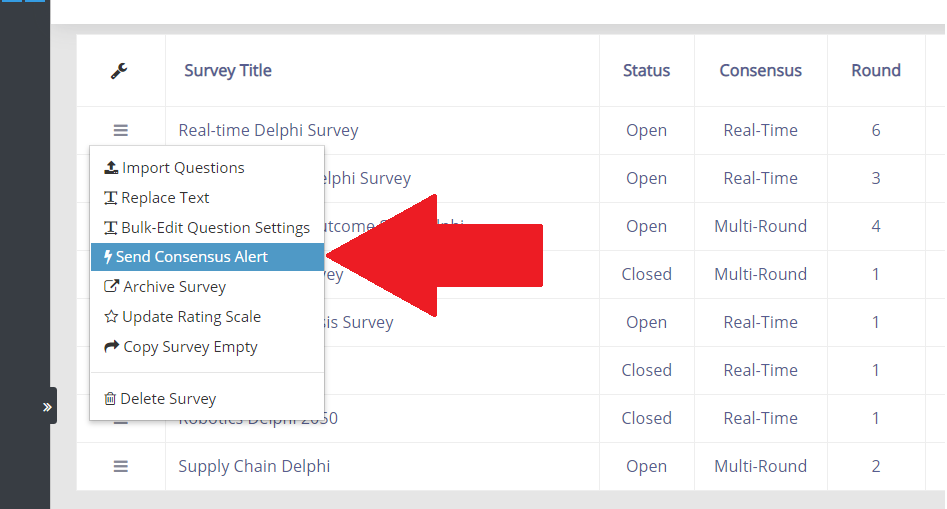
Detailed instructions: Consensus Change Alert
Detailed instructions: Display Settings Tab
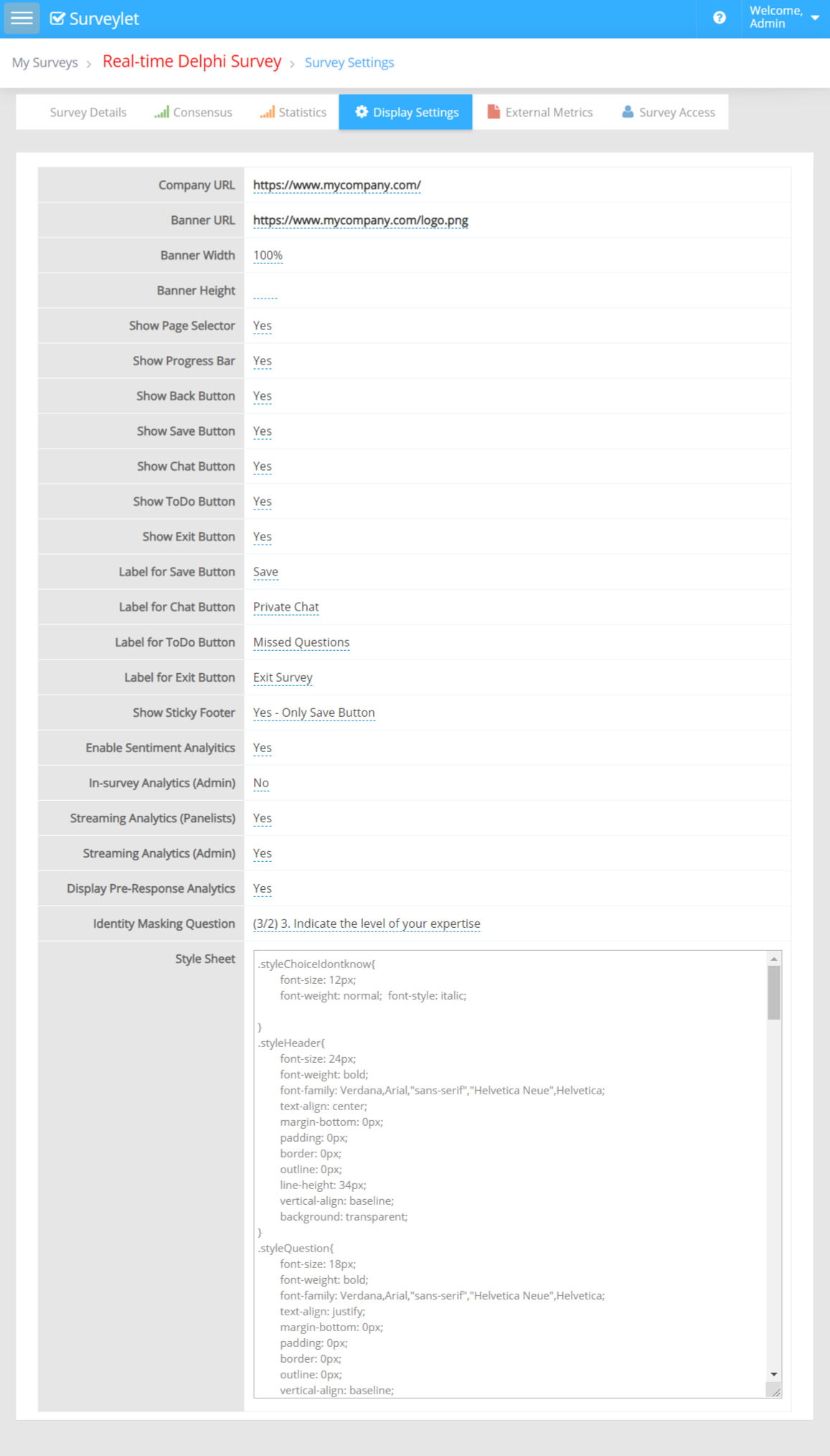
This setting tells Surveylet if it should display the Page Selector dropdown box on top of all survey pages which your panelists can use to navigate across your survey by directly jumping to certain pages. The Page Selector displays list of all survey pages of your survey with each page showing the title of the very first question on each page. If you want to change the page titles, you will need to adjust the first question titles on each page. The first survey page does not display the Page Selector dropdown box.
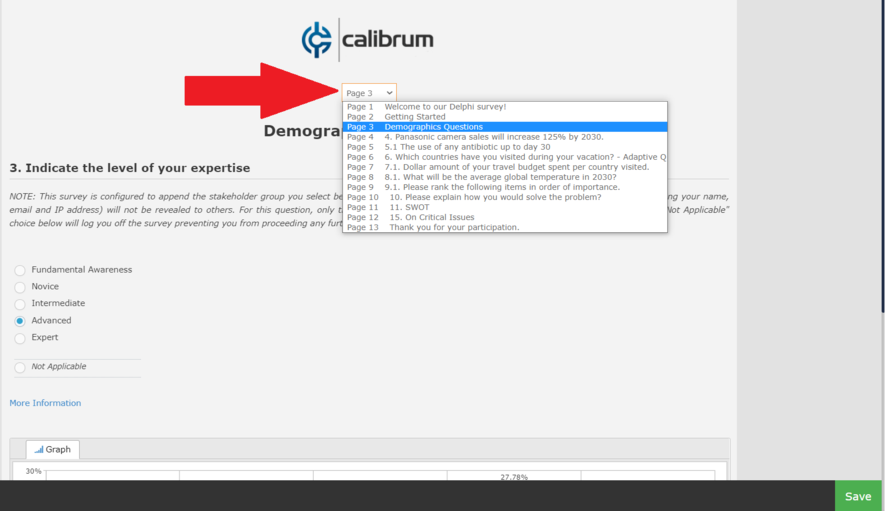
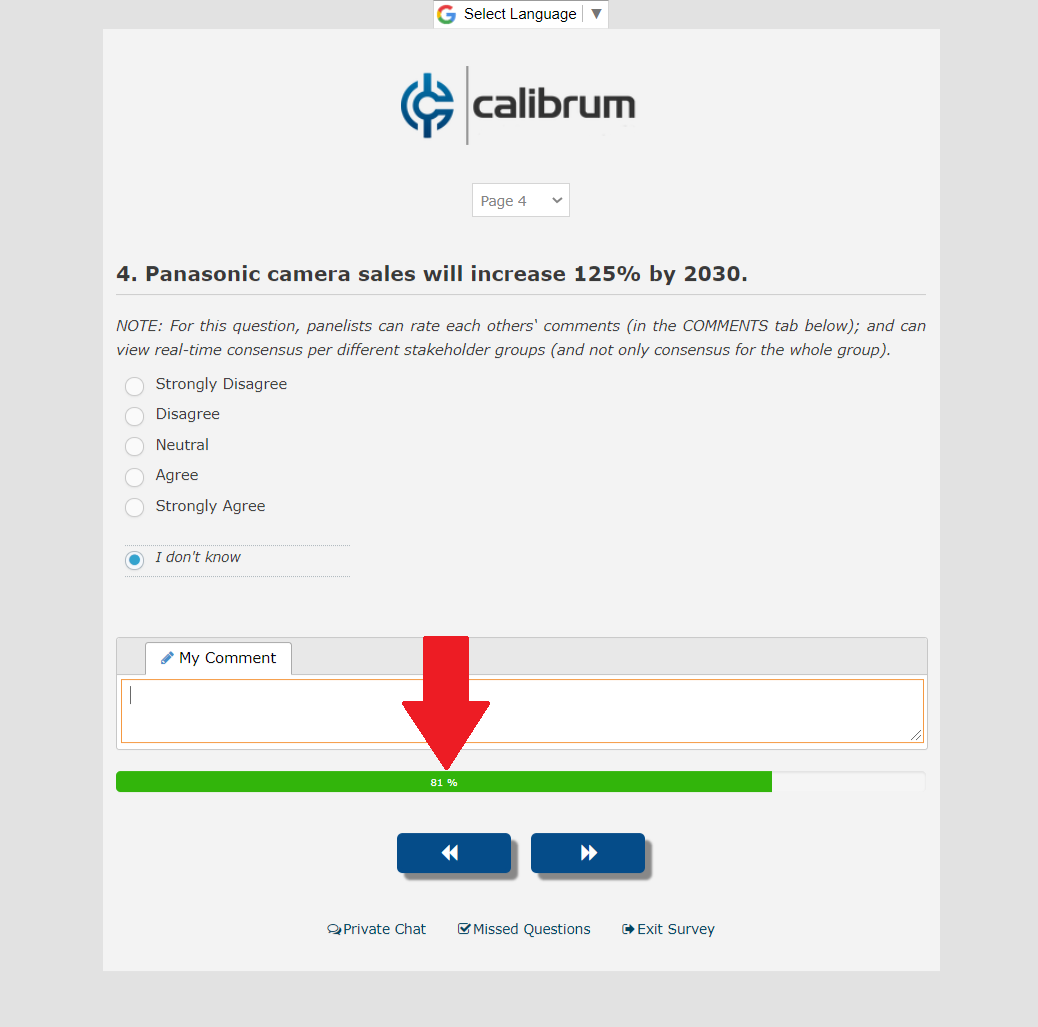
Displays progress bar at the bottom of each survey page. The progress indicates the percentage of questions a panelists have so far answered from all survey questions. 100% means that panelist has answered all questions. Only questions or matrix columns whose "Include in Progress" is set to "Yes" will be included in the progress calculation. You may want to exclude optional questions, or questions on pages where a page branching may skip. Read more on "Include In Progress" question settings.
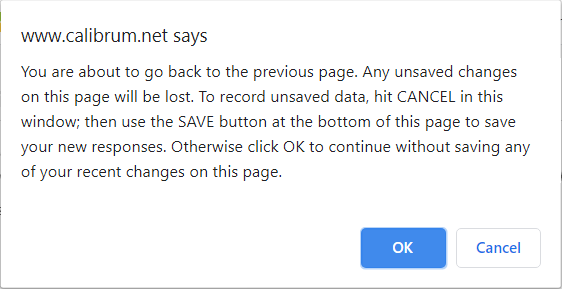
Displays the << (back) button on survey pages. On the first page, there is no << button displayed. This is a survey-level settings, so you cannot control on which pages the back button will appear or be hidden. The Back button will not save the changes made by panelist on the page. When a panelist clicks on the Back button, an informative popup window will appear informing panelist that they will need to click on the SAVE button first if they want to save any changes made on the page. This message will appear on pages that collect information from panelists. It will appear even if the panelist hasn't made any changes.
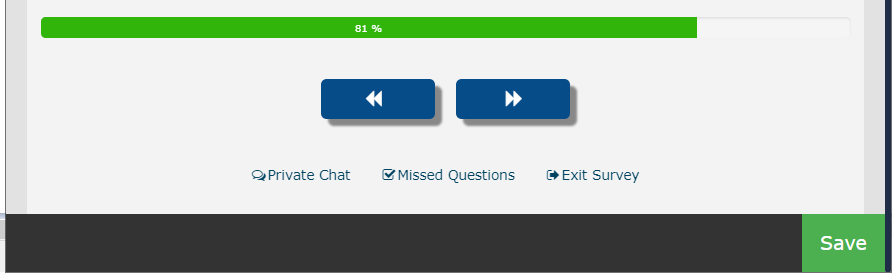
Displays the SAVE link button at the bottom of all survey pages. Responses and changes to existing responses are saved for all questions on a page when user navigates away from the page using the >> (next) button or the Save linkbutton. The difference between the two is that while both buttons save the responses for all questions on the page, the >> button takes the user to the next page while the Save button keeps the user on the same page. Save button is useful in Delphi surveys as Delphi requires that a panelist provides a response to a question before s/he can see the group analytics/consensus for that given question. If panelist clicks on Save instead of Next, then s/he will be able to see analytics immediately and won't have to navigate back later.
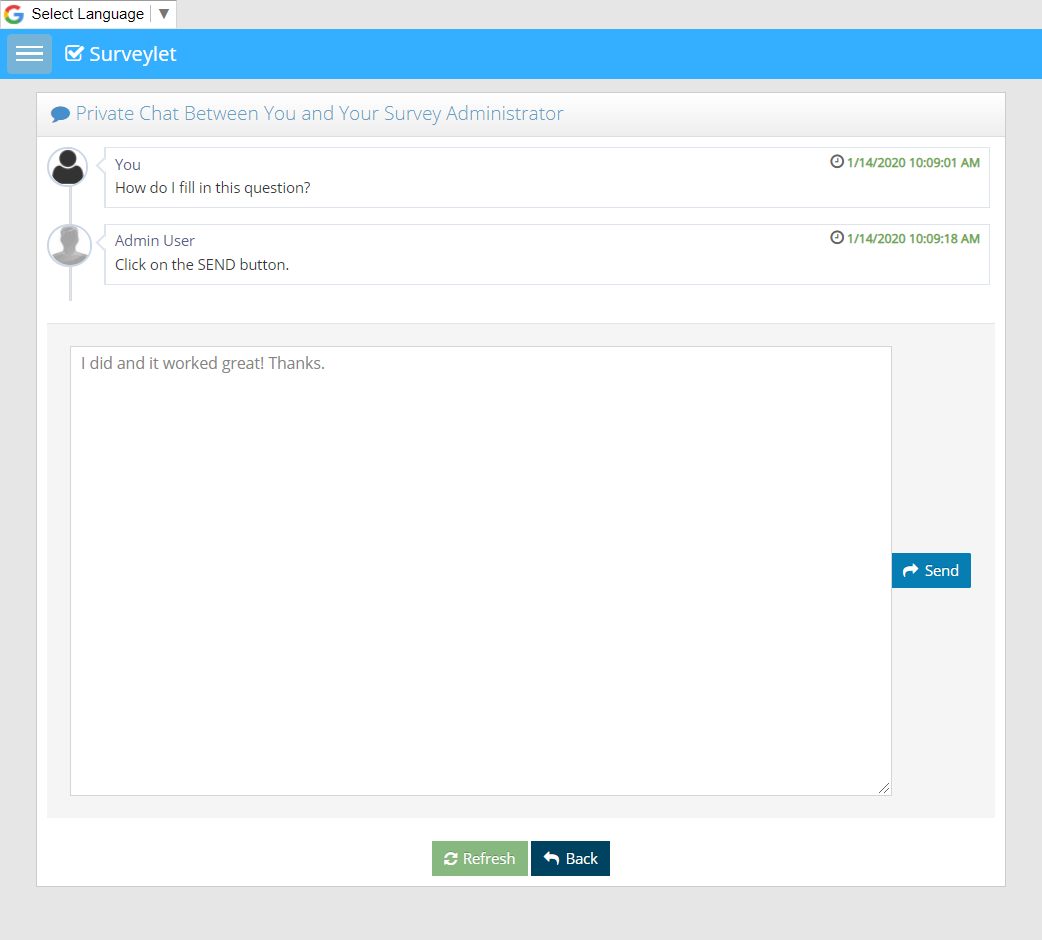
Displays the Chat link button. Panelist can communicate with the survey administrators via a private chat window doing a two-way asynchronous communication. This is a one-on-one communication channel and no other panelists are involved.
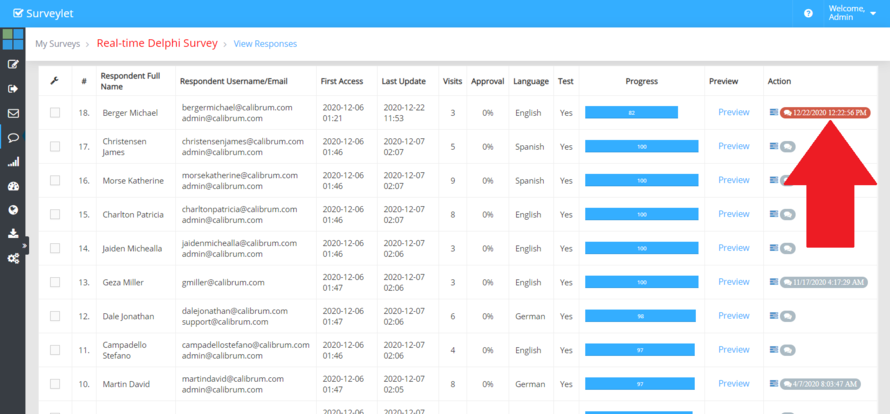

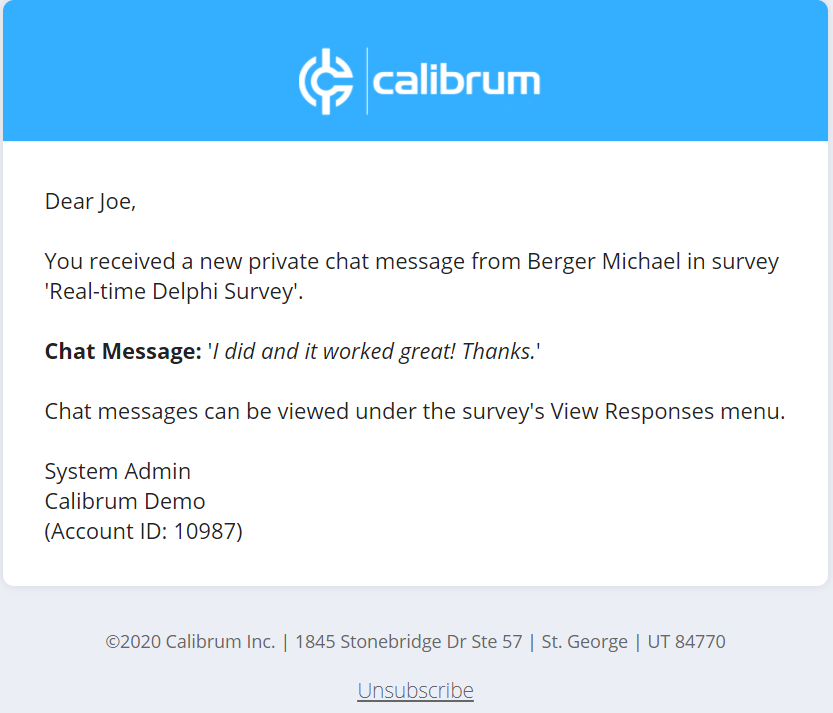
Displayed the To Do link button at the bottom of the page. This takes panelists to the Missed Questions page where all questions that the user has not answered yet will be displayed. For Matrix questions, Surveylet only displays the Matrix question title and not each individual cells in the matrix. It may be advisable to disable this settings for survey where skip logic is enabled as users may see questions they skipped because of their choice selection and Surveylet lists all missed questions on this page regardless the skip logic.
Displays the Exit link button at the bottom of each survey page. Exit will log panelist off the survey session.

Text for the Chat link button displayed to panelists at the bottom of survey pages. If nothing is specified, "Chat" will be displayed. If you want to add your own custom label in any language then see explanation under the "Label for Save Button" section above.
Text for the To Do link button displayed to panelists at the bottom of survey pages. If nothing is specified, "To do" will be displayed. If you want to add your own custom label in any language then see explanation under the "Label for Save Button" section above.
Text for the Exit link button displayed to panelists at the bottom of survey pages. If nothing is specified, "Exit" will be displayed. Exit will not save answers on the page, panelists must first click on Save button (or >> button) if they want to save their answers before they quit. When they quit the survey, they can still go back. It does not flag their survey progress at 100%. It simply logs them off their current survey session. If you want to add your own custom label in any language then see explanation under the "Label for Save Button" section above.
Surveylet can display the footer with the 4 link buttons (Save, Chat, To do, Exit) right under the << and >> navigation buttons, or place them on a sticky footer that will always be visible when scrolling. You have the option to move only the Save button to the sticky footer and leave all others under the navigation buttons.
Enables sentiment analytics for open-ended questions and matrix columns. Only Essay/Textarea questions and My Comments boxes will be analyzed. Short textbox question types are not included in the analysis. This is an optional add-on service which requires Sentiment Analytics service added to your Surveylet account.
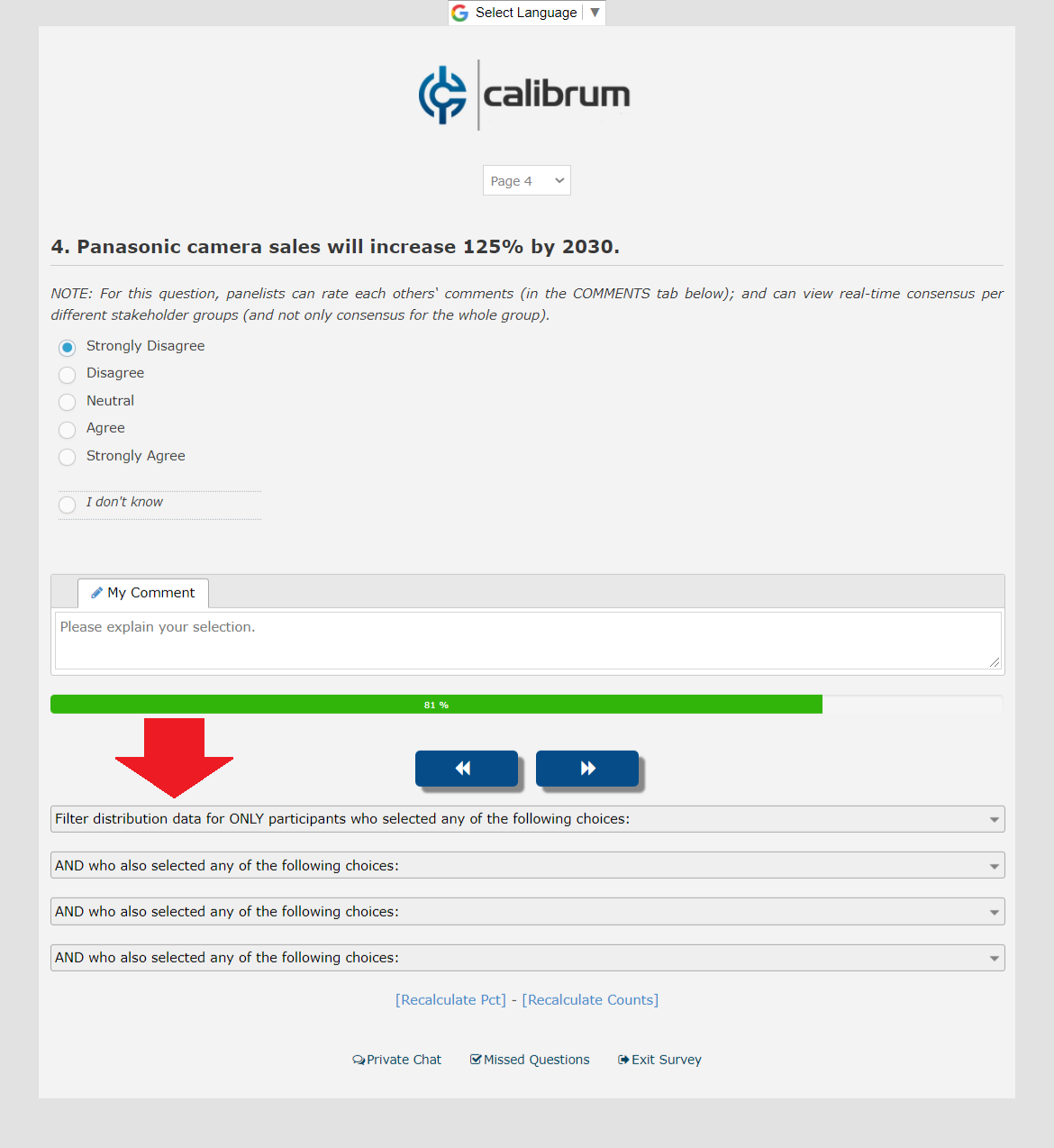
Survey administrators can log on to the survey as a panelist and carry out read-only in-survey analytics. To test the survey, administrators will need to close the survey and click on Test Survey page and select a panelist to test the survey as. The panelist's answers will be read-only, and under each page the filter footer will appear that will allow administrators to filter the incoming responses. Surveylet allows up to 4 filters which are concatenated using the AND boolean operator.
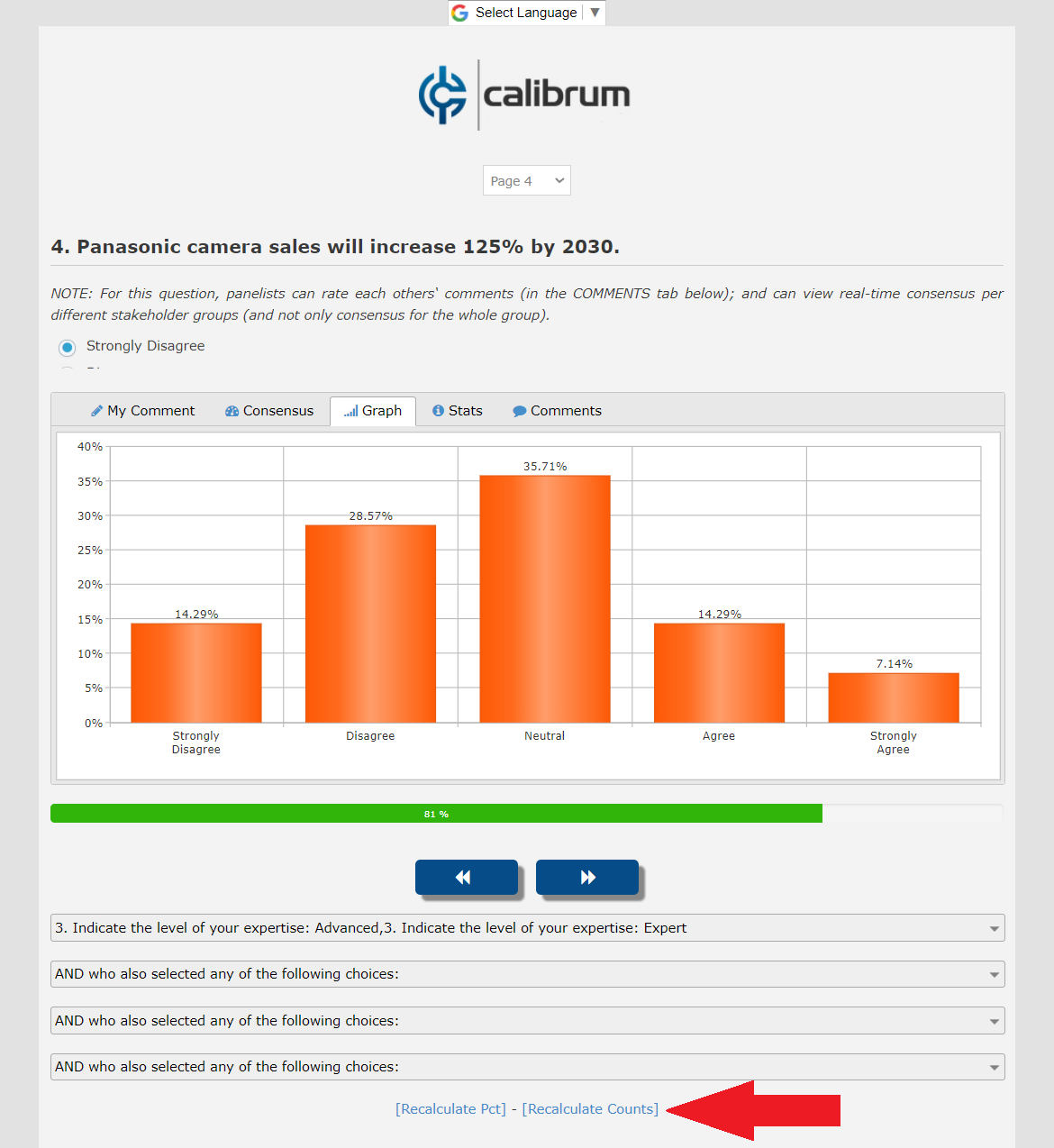
Enables streaming analytics for panelists. If set to Yes, panelists will see question analytics refreshed as new responses are received without them having to manually refresh their browser. Only the question analytics window is refreshed, hence their survey experience is not affected. It is useful only in Real-time Delphi survey. Multi-round Delphi surveys will ignore this settings. It is mostly usable during a short team-meeting, or live conferences where instant decision-making is critical. Enabling it for a longer running survey (those that take more than just a few hours) will not provide any benefits.
Enables streaming analytics for administrators. Default is No. When set to Yes, administrators can monitor incoming responses in all charts on the Analyze Survey page in real-time without having to refresh their browsers.
When it is enabled (set to Yes), panelist will see the consensus analytics tabs that administrator enabled under the question before s/he answers the question. If it's set to No (which is the default value), panelist must first submit a response to a question before s/he can see group analytics for that question. The Delphi methodology requires that panelist first answer the question before s/he can see group consensus and feedback analysis in order to record his/her unbiased view and monitor deviation from original position. Carefully consider this requirement for your Delphi survey before your enable this feature, as you may violate the Delphi requirements and invalidate your results in an official publication. This feature takes effect for both Standard and Matrix question types.
Only for multi-lingual surveys. When enabled, panelists will only see comments from other panelists that match their selected language. Default is disabled. For instance, if the survey design languages are English and German, and panelist's selected language is German, s/he will only see comments provided by other German-speaking panelists; all English comments will be hidden. Administrators are not affected by this settings, they will always see all comments in all languages.
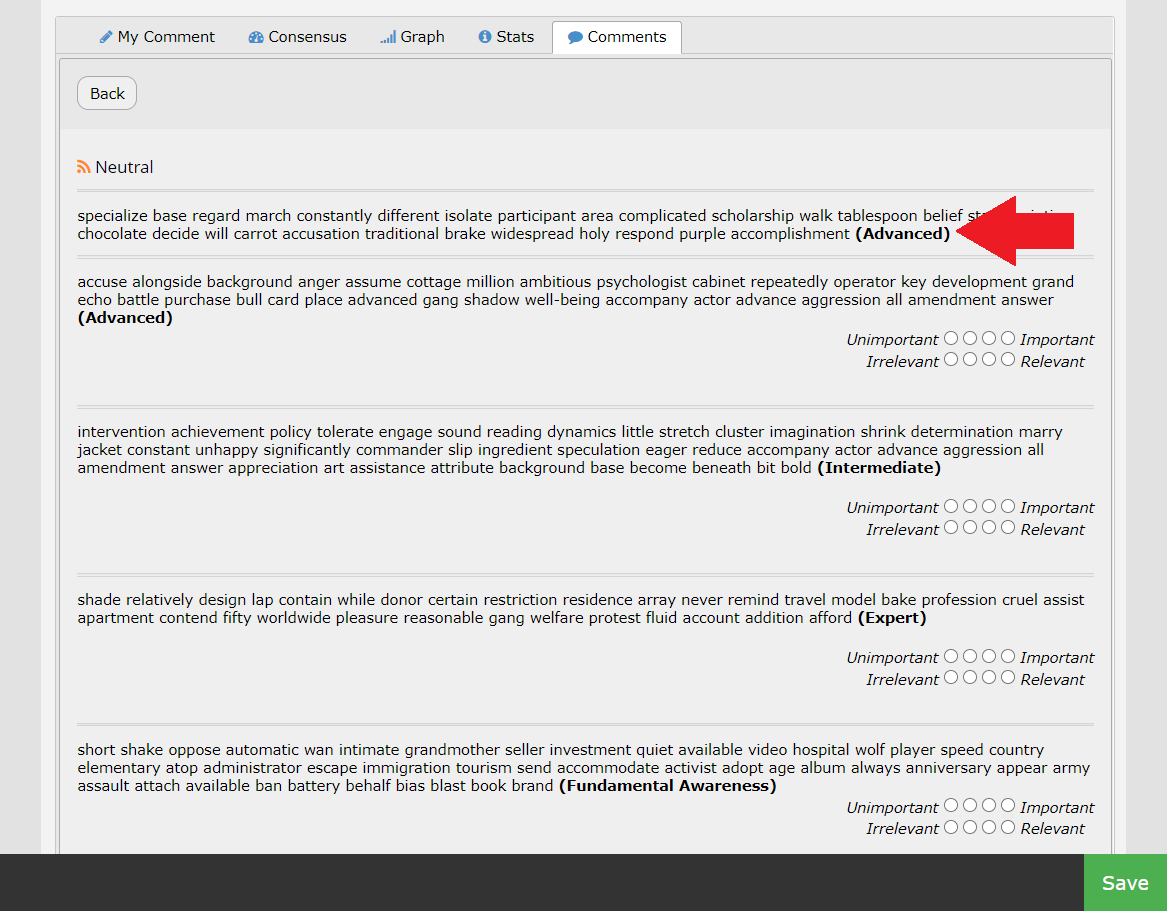
Sets the question whose answer will be displayed in place of the Panelist's name. For instance, if you select the "What is your level of expertise?" radio button question, the answer the panelist selected for this question will be used to mark the comments made by panelists in the All Comments section.

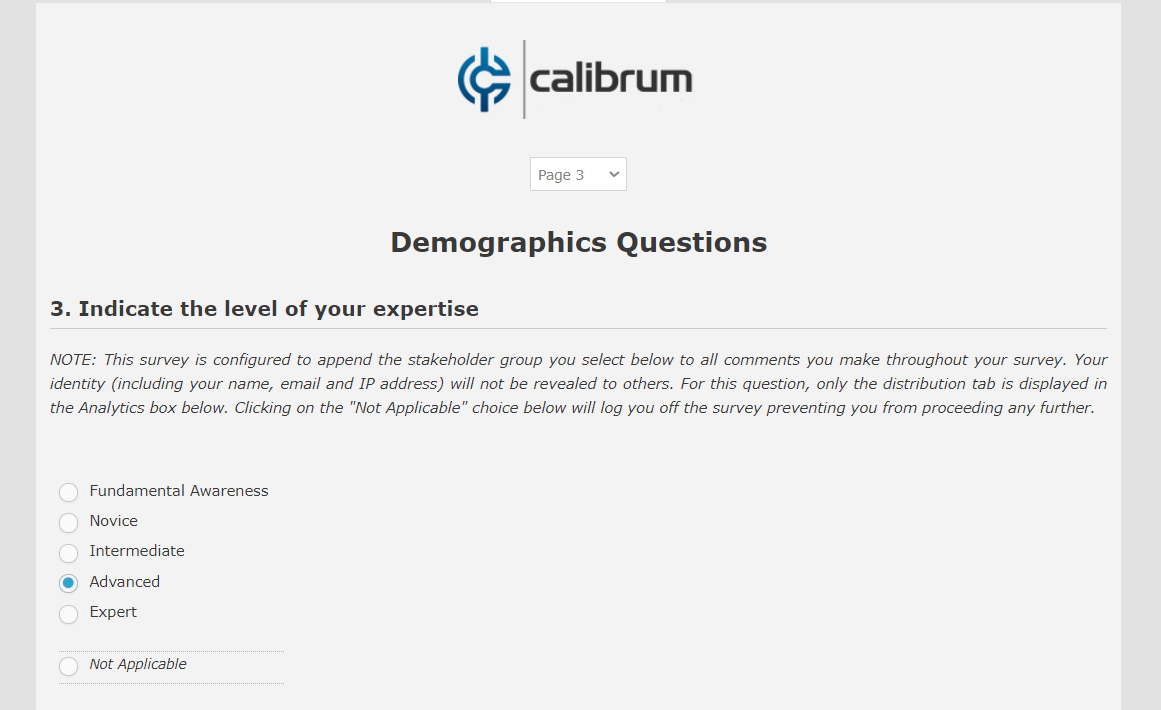
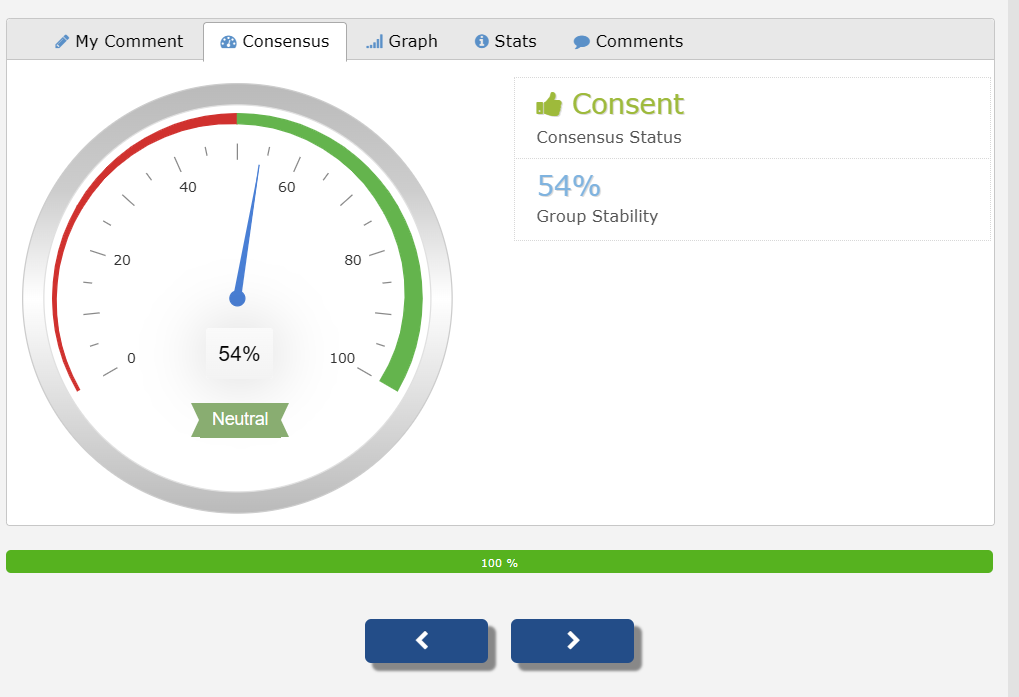
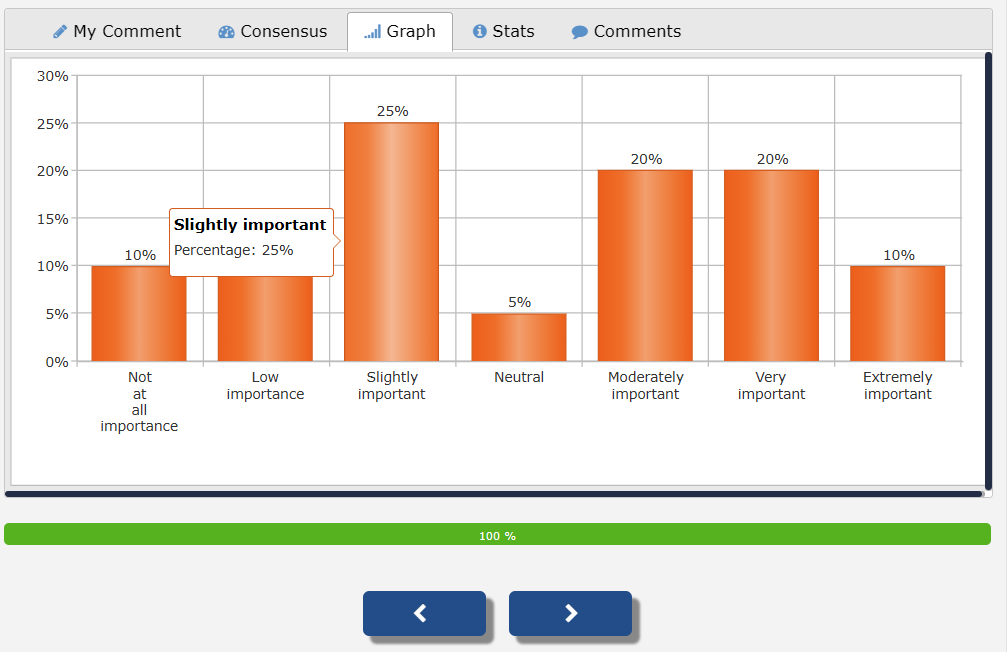
Participants will view the rating distribution as percentages but Response counts will be hidden from them from the Consensus and the Graph tabs. Administrators will still be able to see raw counts from the Analytics pages. Hiding response counts will limit dominance and bandwagon effects.
 .
. 
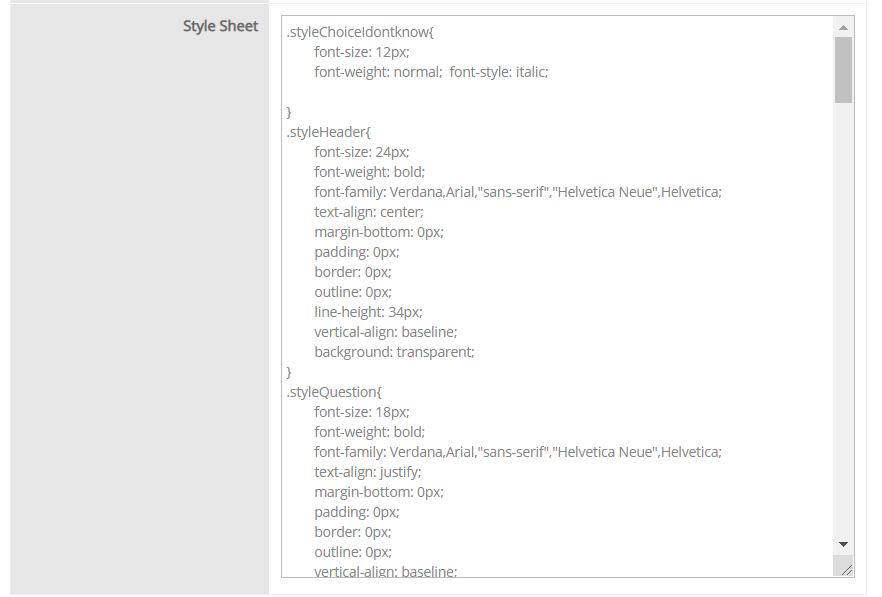
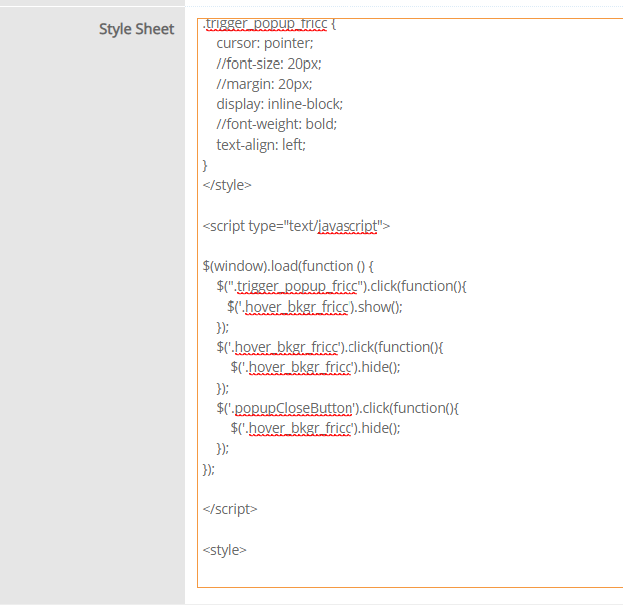
You can apply style to your question labels, descriptions, footers using Style Sheets. With style sheet, the same style will be applied to all questions and can be changed at once. This eliminates the need that you style each question separately. To use Style Sheet, basic HTML editing skills and knowledge is required. Each survey element (headers, questions, question details, choice labels, matrix column and row titles, etc.) has its corresponding style sheet entry. You may also define your own CSS class here and assign it to different questions.
Common questions
The administrator sees analytics, but panelists do not. Why?
Administrator access and participant display rules differ. Check the saved answer, feedback round, minimum-answer threshold, tabs, and Admin + User visibility.
Will feedback appear as soon as a new snapshot is created?
Only if the other display conditions are satisfied. The snapshot and minimum-answer threshold are independent settings.