
Run the study · Administrator
Resolve missing invitations or verification emails
Check the address, recipient filters, opt-out status, and organizational mail filtering before resending.
Screenshots illustrate the controls below. Layouts and labels may vary with your survey configuration. Select an image or “View full size” to open it in a new tab.
Administrator checks
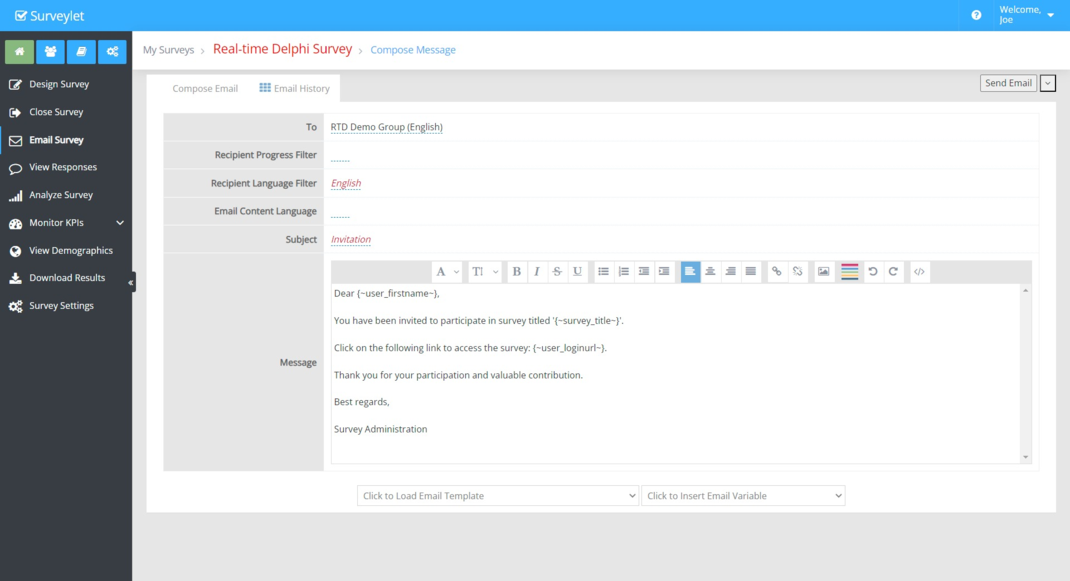
- Confirm the person’s email address and the group assigned to the survey.
- Check the Email Survey recipient filters, including progress and language.
- Check email opt-out status. A suppressed address will not receive routine survey mail.
- Inspect Email History for the intended send.
- Send a test to a mailbox you control and inspect the message.
- Ask the participant to check junk, spam, quarantine, and organizational mail filtering.
- If the issue persists, provide Calibrum with the survey identifier, send time, recipient domain, and any bounce or error message.
Help participants locate the message
Survey invitations may display the study administrator’s name while coming from a Calibrum sending address. The guide documents info@calibrum.com and support@calibrum.com. Ask institutional IT to allow legitimate Surveylet messages if they are being quarantined.
Resend the participant’s own link through the approved study channel if needed. Never resolve an access issue by sending them another participant’s invitation.
Email verification
Administrator verification codes go to the email address registered for that administrator. Confirm you are checking the correct mailbox, review junk filtering, and use the current code requested by the login flow. Contact Calibrum if access cannot be restored. Do not share the code with another person.
More screenshots and examples (1)
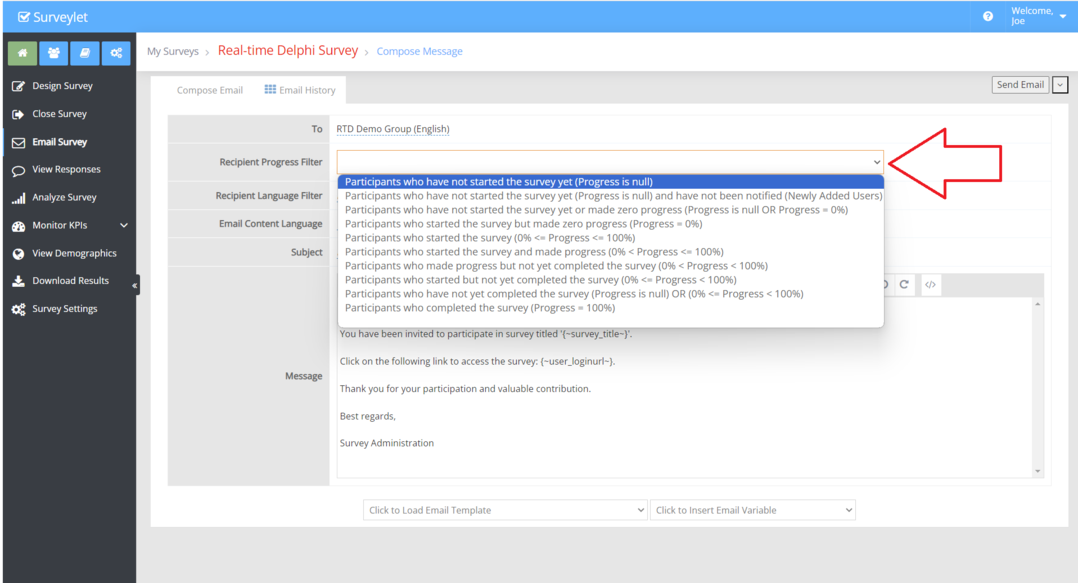
Detailed instructions: Panelists are not receiving my emails.
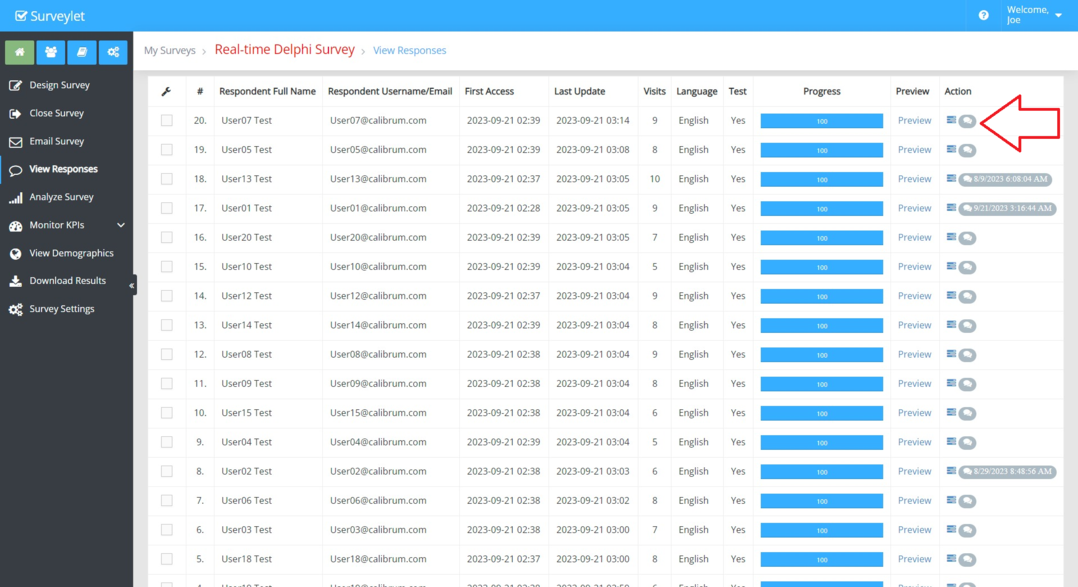
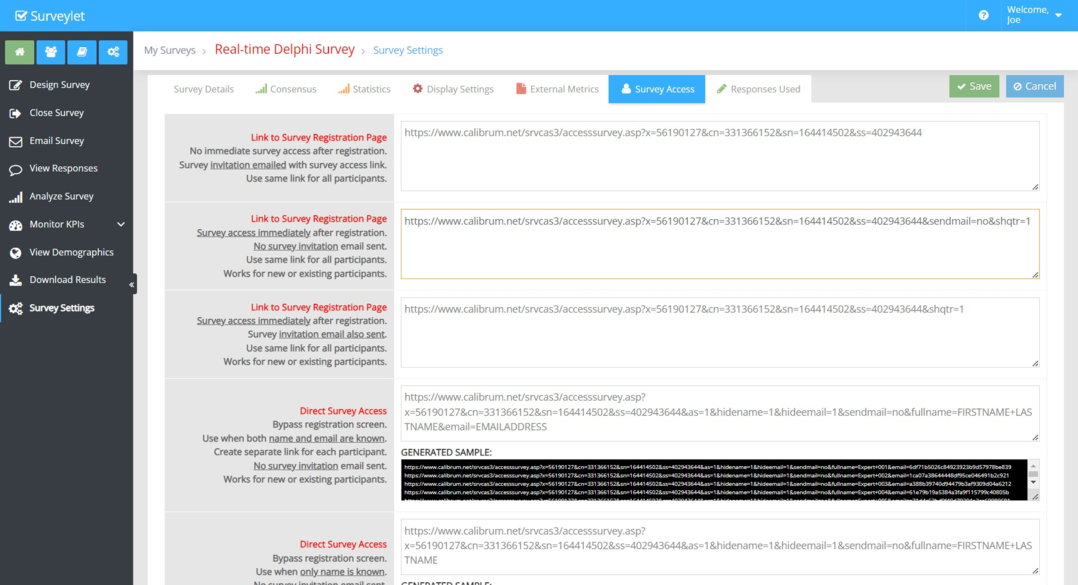
Common questions
Can an administrator reverse a participant opt-out?
The documented workflow requires the participant to request reinstatement from the opted-out email address. Contact Calibrum rather than bypassing the suppression with a duplicate user.